

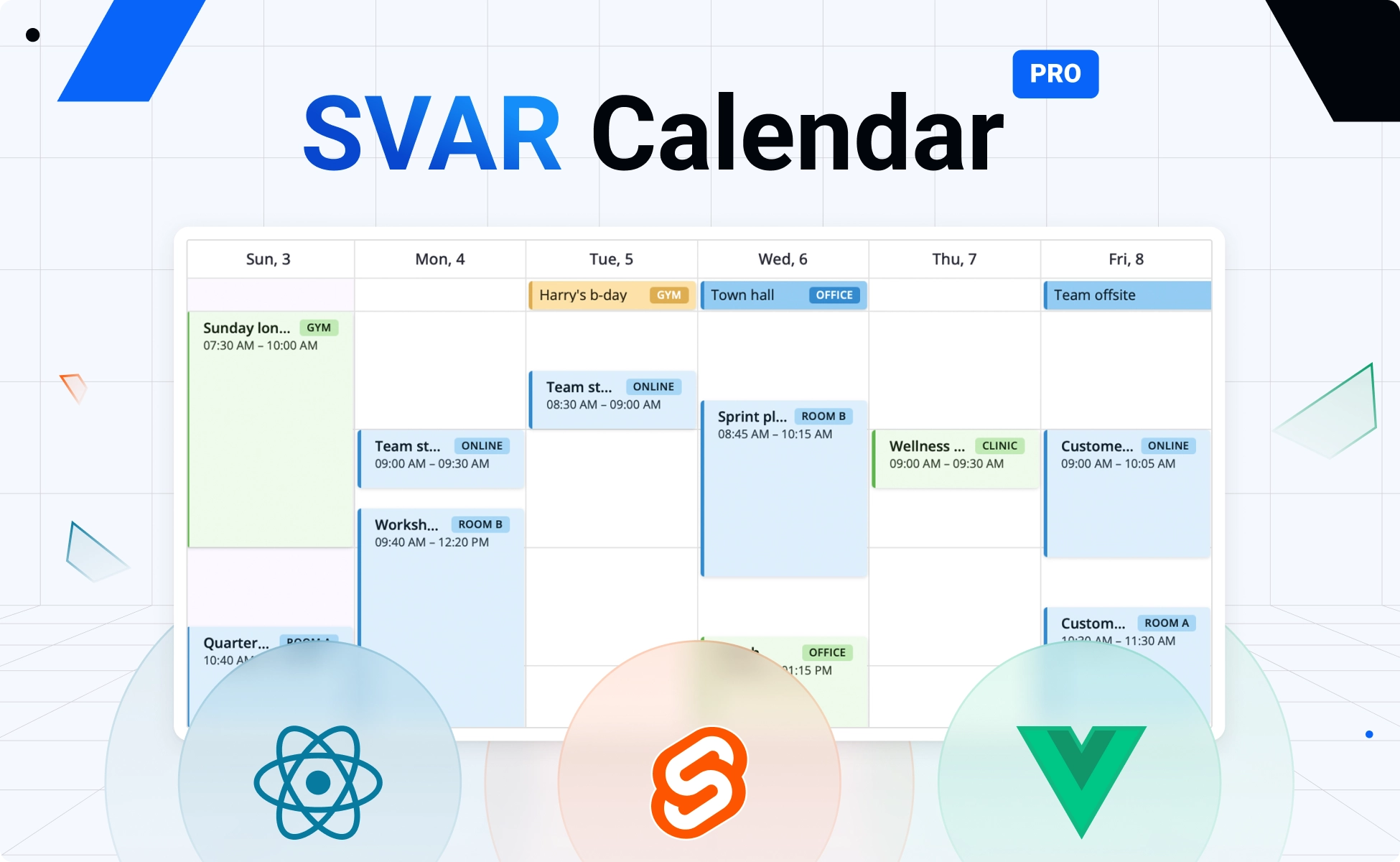
We’re happy to introduce SVAR Calendar, a free, open-source event calendar component available natively for Svelte, React, and Vue. Its core features are released under MIT license, while the PRO edition adds Year, Resources, Timeline, Agenda views, and recurring events.
Most calendar libraries fall into two camps: tools like react-big-calendar or FullCalendar that focus on core scheduling scenarios, and enterprise solutions like Bryntum that provide advanced planning capabilities but may feel too heavy or costly for smaller projects.
SVAR Calendar fills the gap – a framework-native, feature-rich calendar that comes with a free core and allows you to add a modern scheduling interface to your app at no cost. It is lightweight and fast, with a flexible architecture that lets you customize views, interactions, and data handling to fit any workflow.
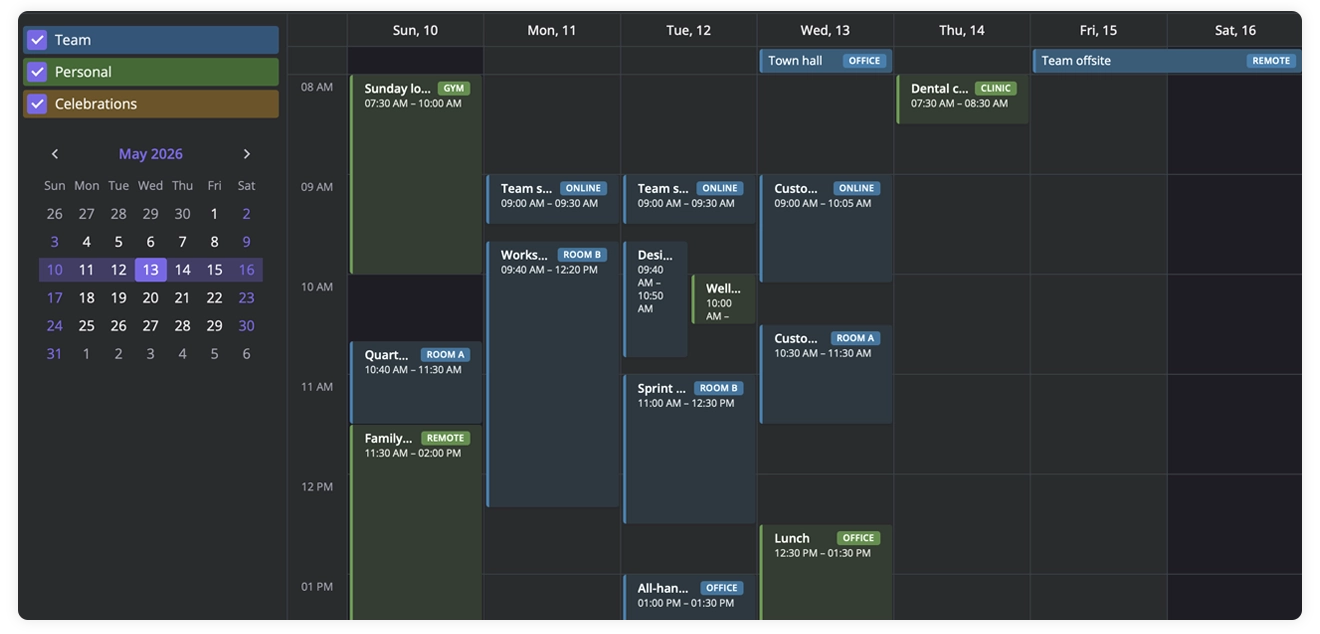
The PRO edition with additional views (Year, Agenda, Timeline, Resources) and features is priced reasonably for teams of any size.
Native Calendar Component for React, Svelte & Vue
All three versions of SVAR Calendar are written natively for Svelte, React and Vue with full TypeScript support. So if you’re looking for a full-featured calendar component that integrates easily with your stack, SVAR Calendar is worth trying:
You can easily install the event calendar component via npm to start using it in your project:
npm install @svar-ui/react-calendarnpm install @svar-ui/svelte-calendarnpm install @svar-ui/vue-calendarAll three implementations share a unified API and feature set, yet remain separate, framework-native components under the hood – giving teams a consistent experience across stacks.
Free, Open-Source Calendar Component
The open-source edition of SVAR Calendar provides all the core functionality required for a real scheduling UI. It’s available under MIT license on GitHub:
Here’s a quick overview of what’s offered out of the box.
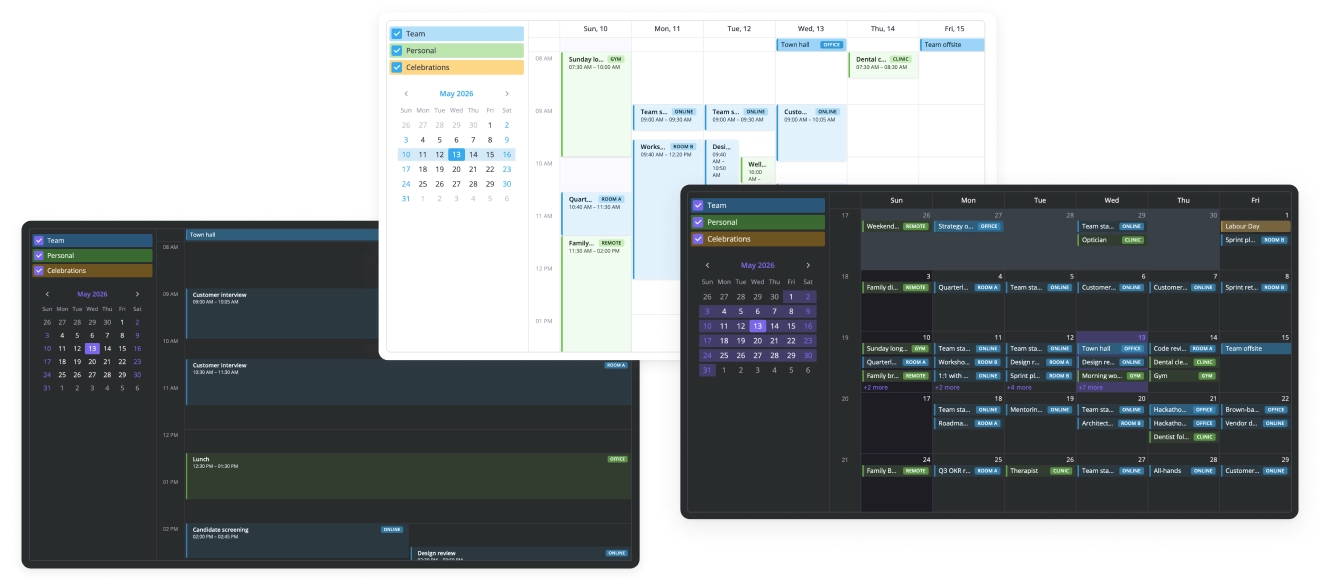
Views: Day, Week, Month
The free version of SVAR Calendar includes three built-in views that cover the most common scheduling patterns – from detailed daily planning to high-level monthly overviews.
- Day view – shows a focused single-day schedule
- Week view – a full seven-day layout with a custom first day of the week
- Month view – presents the entire month at a glance
Drag-and-Drop Editing & Drag-to-Create
SVAR Calendar lets users move events naturally, resize them to adjust duration, and create new ones with a simple drag-to-create gesture. The same behaviour that you’ve seen in iOS or Google Calendar interfaces.
Event Editor & Context Menu
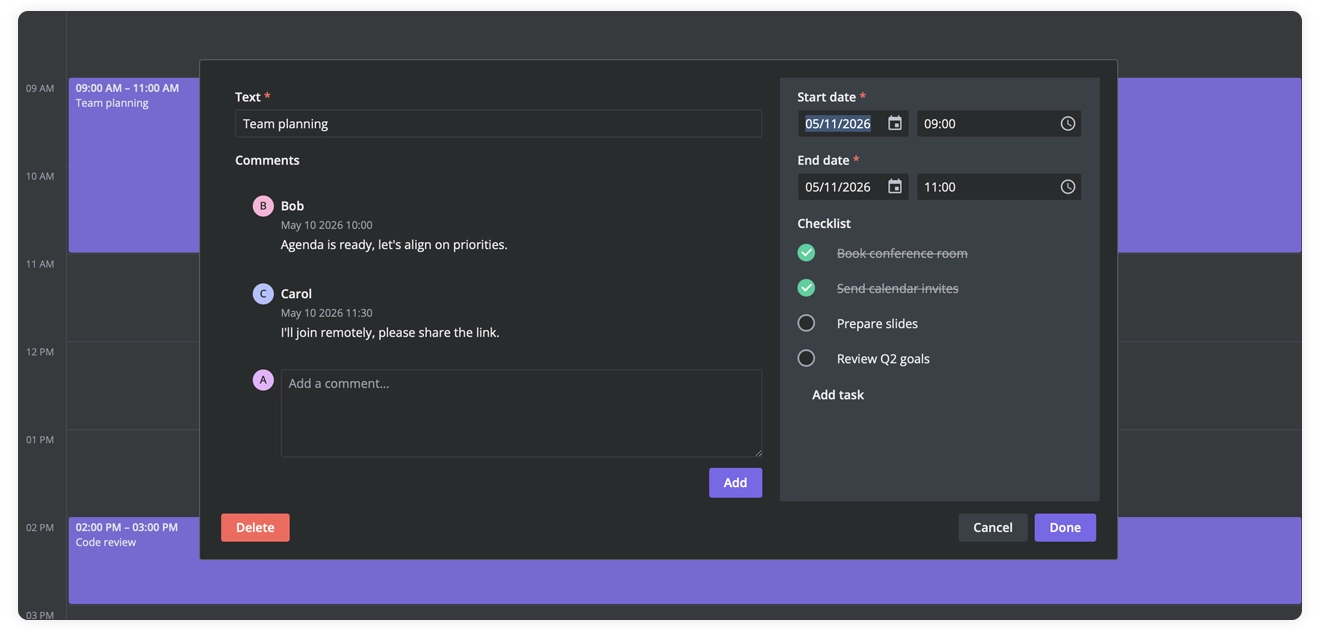
The built-in event editor lets users quickly update event details through a clean sidebar or a modal editor. They can change titles, dates, times, all-day status, and any custom fields your app requires.
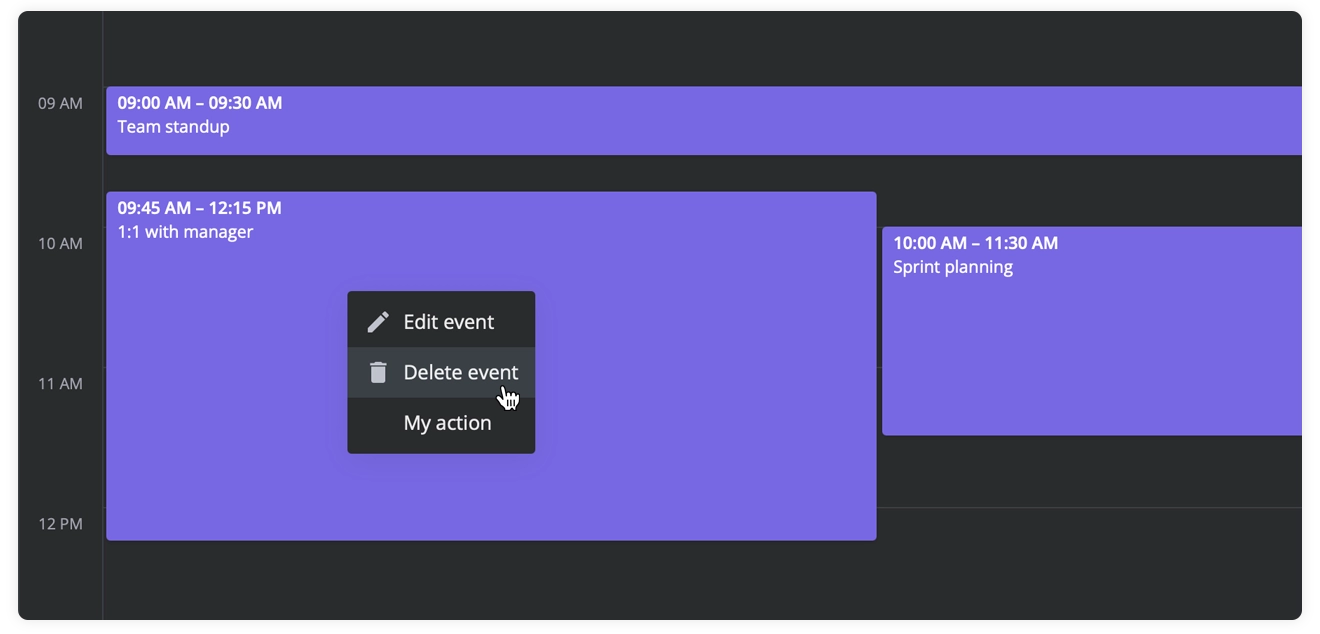
A right-click context menu gives you fast access to common actions like editing or deleting an event, and can be extended with custom options tailored to your workflow.
Calendar Groups (Multiple Calendars)
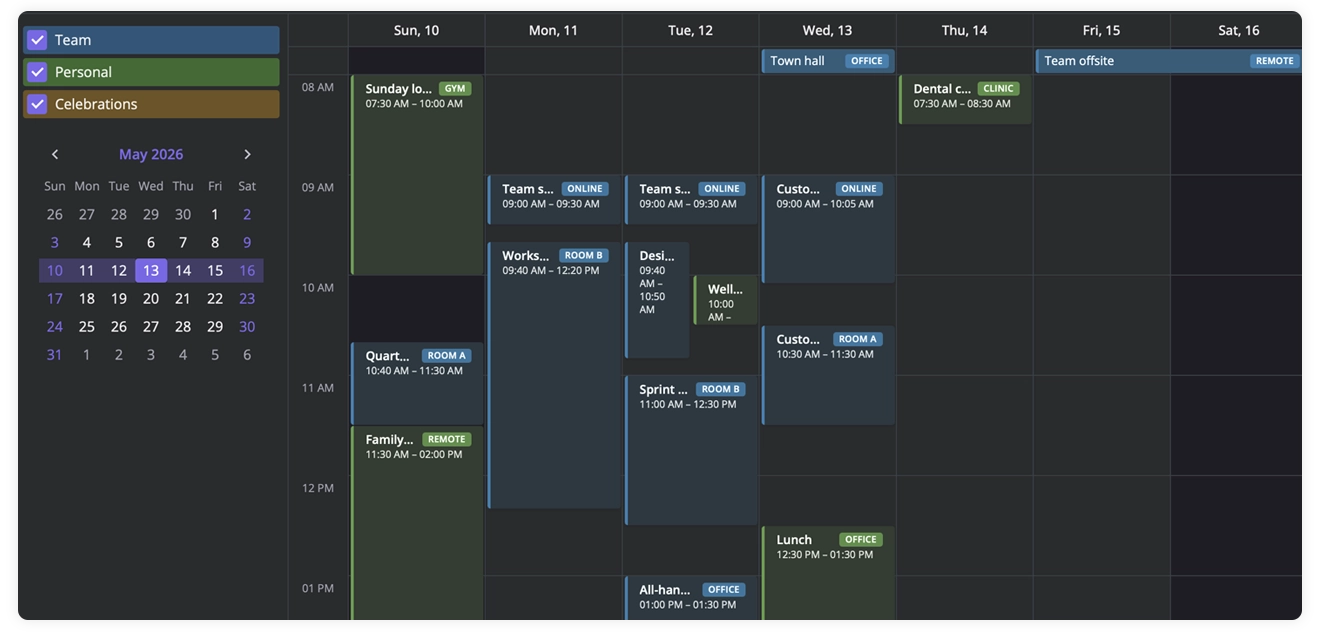
You can group events by category (Work, Personal, Holidays, project boards, etc.) and toggle them on or off with simple checkboxes in the sidebar. Give each group its own color, making it easy to focus on the calendars you need while hiding the rest. See the demo.
Filtering
SVAR Calendar allows you to filter events and keep only the ones you want to focus on in the view. You can filter by calendar groups (like Work or Personal), search for specific text, or apply several conditions at once, since the filtering is provided by the powerful SVAR Filter library.
iCal Import/Export
SVAR Calendar supports iCal import and export, allowing you to exchange events with external tools. You can import .ics files to load existing schedules, or export your current events back to .ics for syncing, sharing, or storing elsewhere.
Theming & Localization
You can tailor the Calendar component to match your product’s look and feel – from colors and fonts to spacing and panel styling – using built-in themes or by overriding the theme’s CSS variables to match your brand. See the custom styled demo.
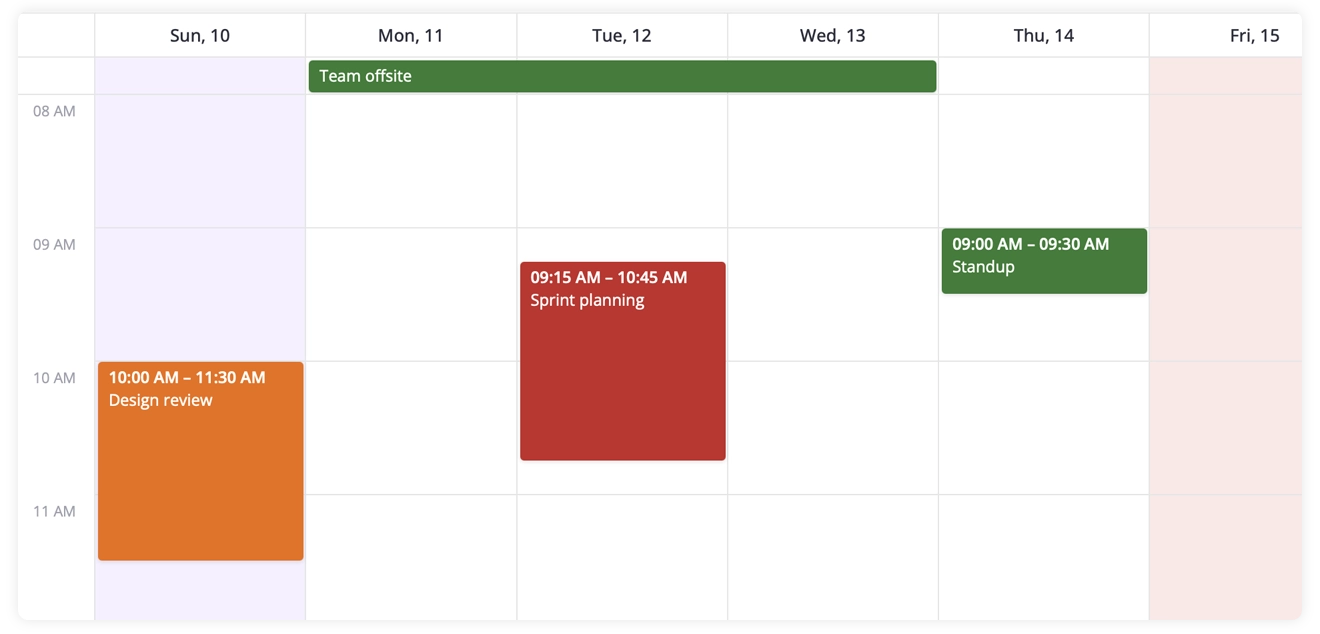
The calendar supports full localization: once you provide a locale dictionary, all labels and date formats update automatically to match that language.
Backend Integration
You can connect SVAR Calendar to any REST API with a lightweight RestDataProvider that handles all event changes for you. It loads events from your backend and automatically forwards CRUD actions, so your Calendar stays in sync without extra wiring.
Svelte Calendar Code Example
The example below is written for Svelte — but the same structure applies to the React and Vue versions, with framework-native syntax. Drop it into your Svelte project and you’ll get a working weekly calendar with two color-coded groups (Work and Personal), sample events, a sidebar calendar selector, and the built-in editor for creating and updating events:
<script>  import { Calendar, Editor, CalendarPanel } from "@svar-ui/svelte-calendar";
  let api = $state();
  const calendars = [    { id: "work", label: "Work" },    { id: "personal", label: "Personal" },  ];
  const events = [    {      id: 1,      start: new Date(2026, 4, 4, 9, 0),      end: new Date(2026, 4, 4, 9, 30),      text: "Daily standup",      calendarId: "work",    },    {      id: 2,      start: new Date(2026, 4, 4, 13, 0),      end: new Date(2026, 4, 4, 14, 0),      text: "Lunch with team",      calendarId: "personal",    },  ];</script>
<Calendar bind:this={api} {events} view="week">  <CalendarPanel {calendars} accessor="calendarId" /></Calendar>
<Editor {api} />
Event Calendar PRO Features
The PRO edition adds several advanced views and scheduling capabilities that help you work with larger timelines, structured resources, and repeating events.
Year View
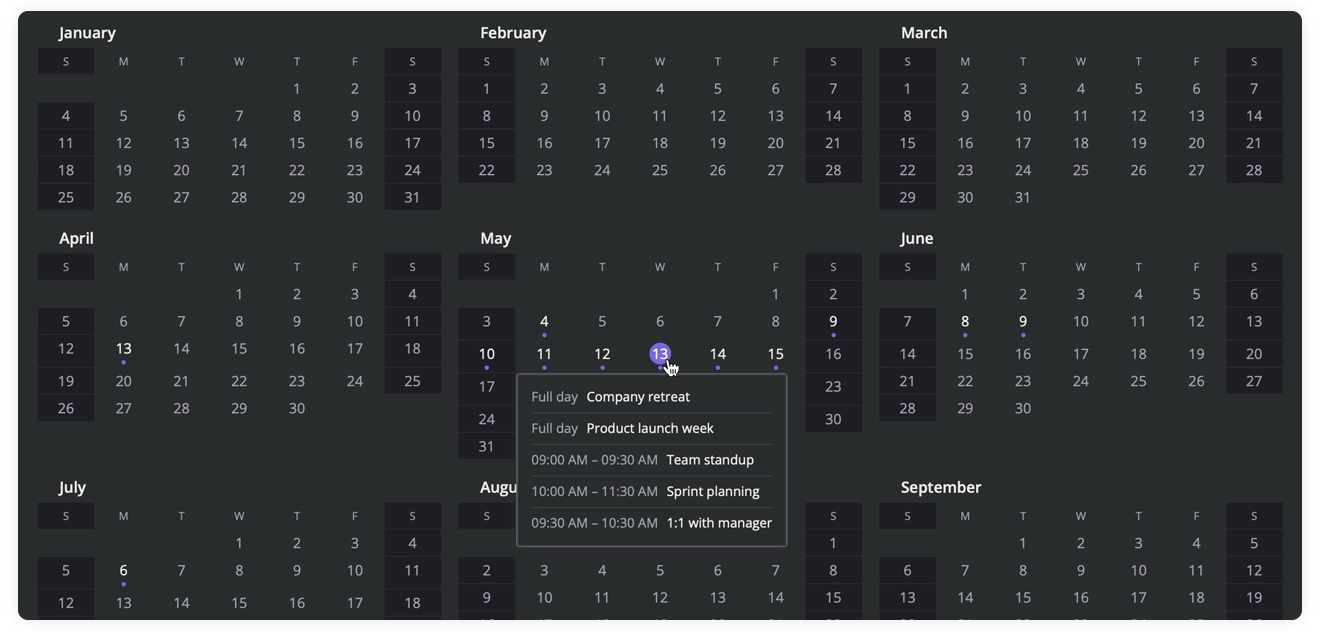
The Year View shows all twelve months at once in a 3×4 grid, marking busy days with dots, highlighting today, and showing that day’s events on hover. It’s a high-level overview ideal for spotting long spans and yearly patterns.
Agenda View
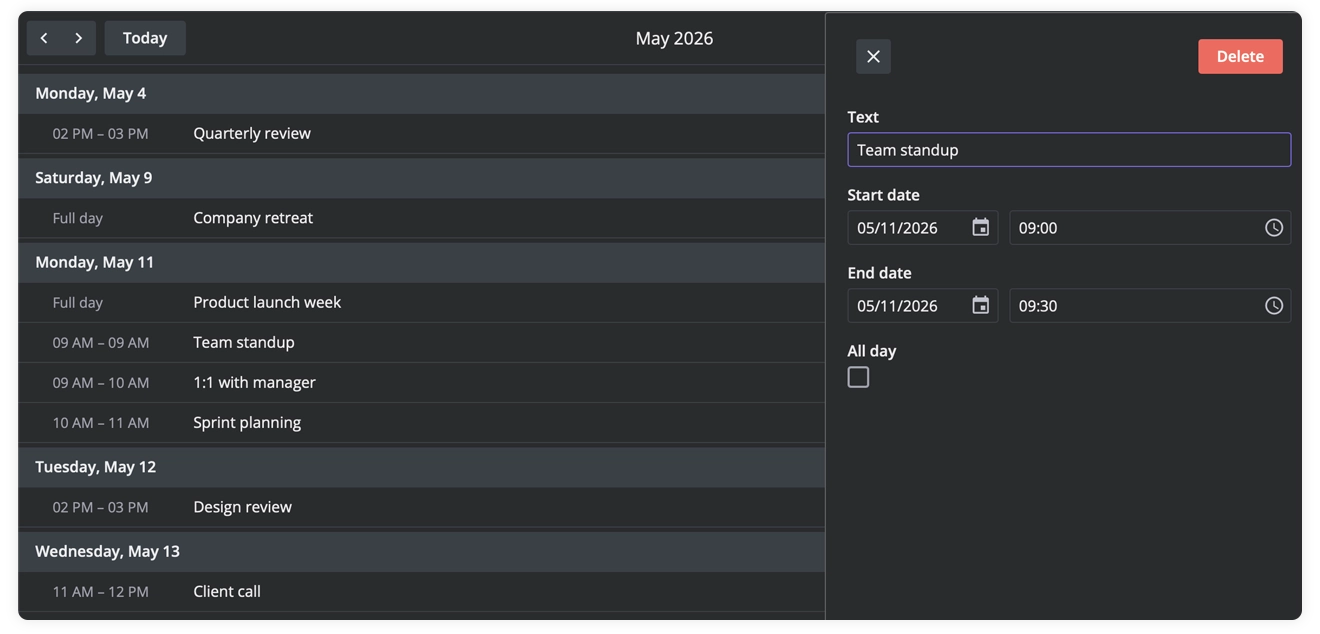
The Agenda View shows a clean, chronological scrollable list of all events in the selected month, grouped by day and presented as simple rows for quick scanning. A natural fit for mobile scheduling apps, daily briefing widgets, or customer-facing portals.
Resources View
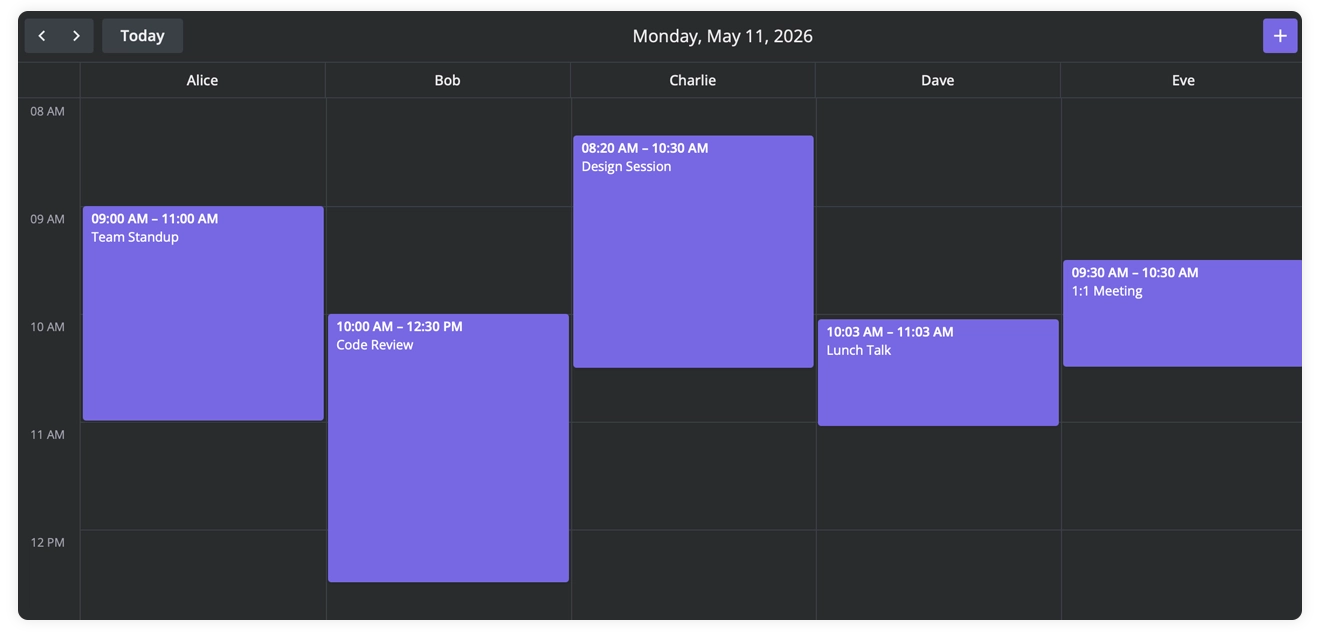
The Resources View displays a single-day schedule split into columns – one per resource such as rooms, people, or equipment – so you can see who or what is booked at each hour in a clear, side-by-side layout. It is particularly useful for booking systems, like clinic appointment schedulers, meeting room managers, or equipment rental tools.
Timeline View
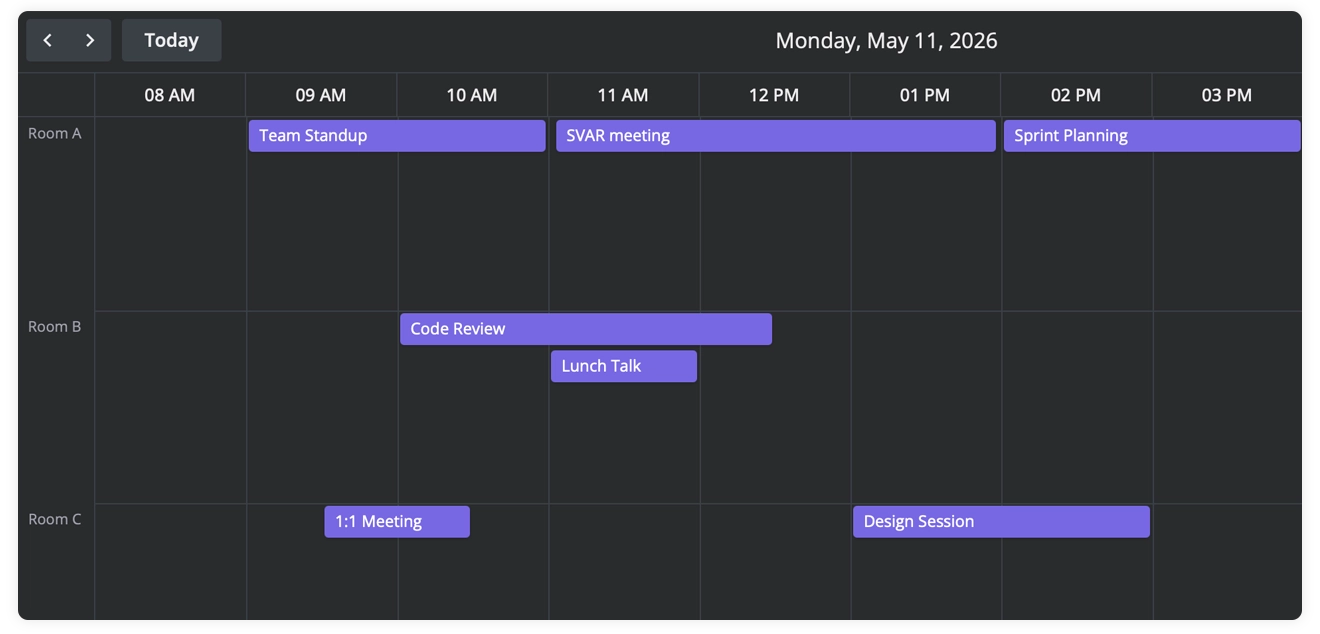
The Timeline View lays out a single day horizontally, showing each resource as its own row with events rendered as time-length bars, making it easy to compare schedules across rooms, people, or equipment at a glance. Well suited for shift planning, facility management, and rental platforms.
Recurring Events
Recurring Events let you create events that repeat automatically – like daily standups, weekly reviews, or your mom’s birthday. You can update the entire series, adjust just one occurrence, or change the schedule from a specific date forward.
To explore the PRO edition, you can start a 30-day trial and check the pricing pages for each framework:
Get Started
SVAR Calendar is ready to use today – from open-source editions and live demos to full documentation for Svelte, React, and Vue, everything you need to start building modern scheduling experiences is already available:
Quick Start: Svelte, React, and Vue
GitHub: everything is available on SVAR GitHub.
Whether you’re adding a simple weekly planner to an internal tool or building a full resource booking system, the free edition gets you further than most libraries, and PRO takes you the rest of the way.
Your feedback helps us keep improving the ecosystem and delivering components that feel native, fast, and practical for real-world apps, so feel free to submit an issue or post on our forum.