Just released

React Calendar Component

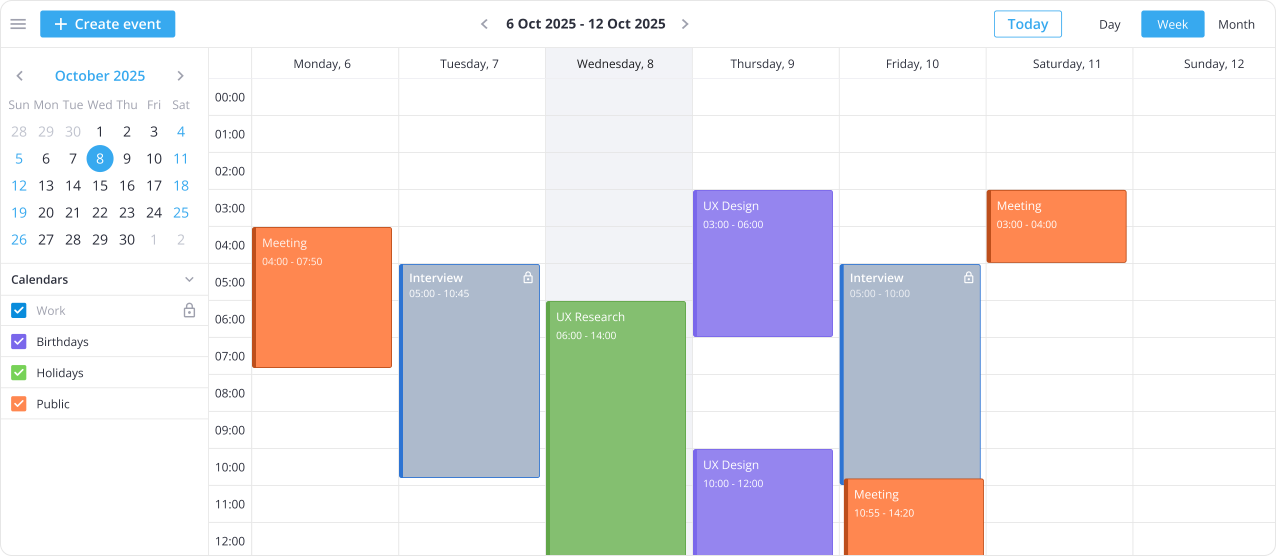
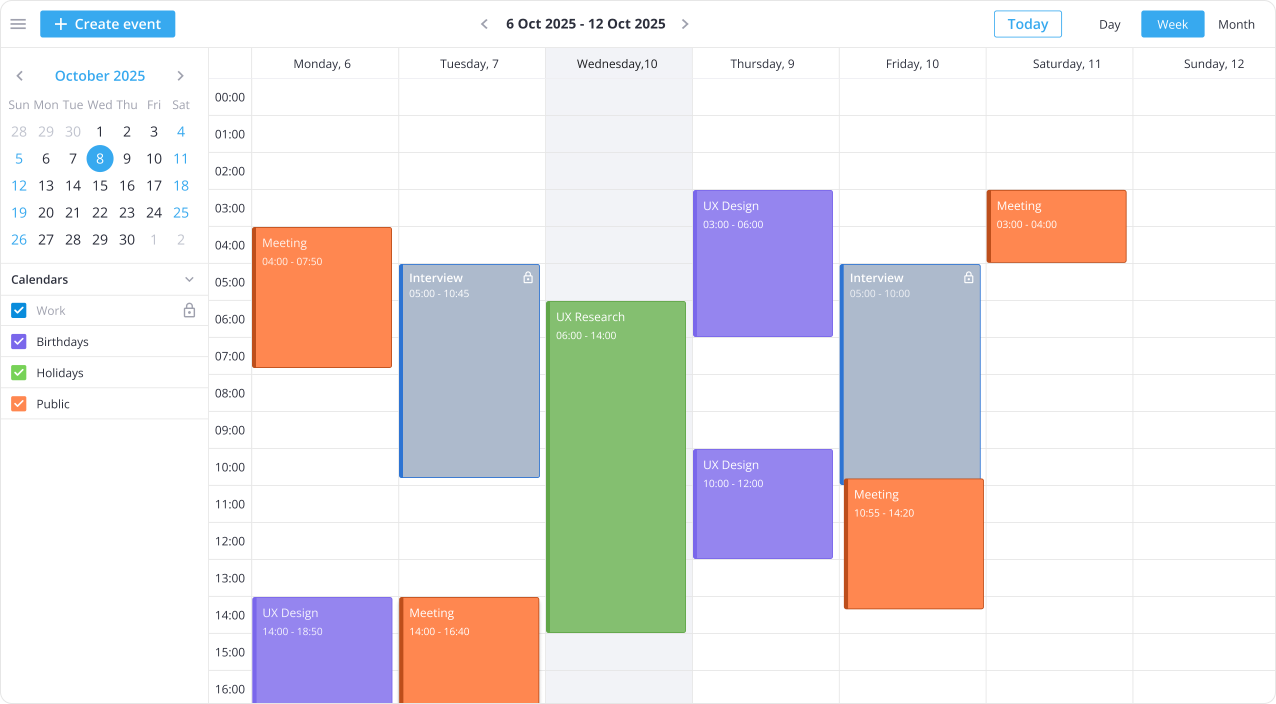
SVAR React Calendar is an interactive event calendar component for React apps. Build a powerful scheduler in minutes with flexible views, drag-and-drop event editing, and recurring events.

Also available for:

Why Use SVAR React Calendar

Easy integration with React & backend

SVAR React Calendar is built for modern React and Next.js apps. Comes with TypeScript support and a ready-to-use REST helper to load, update, and synchronize event data with your backend.

Day, Week, Month views

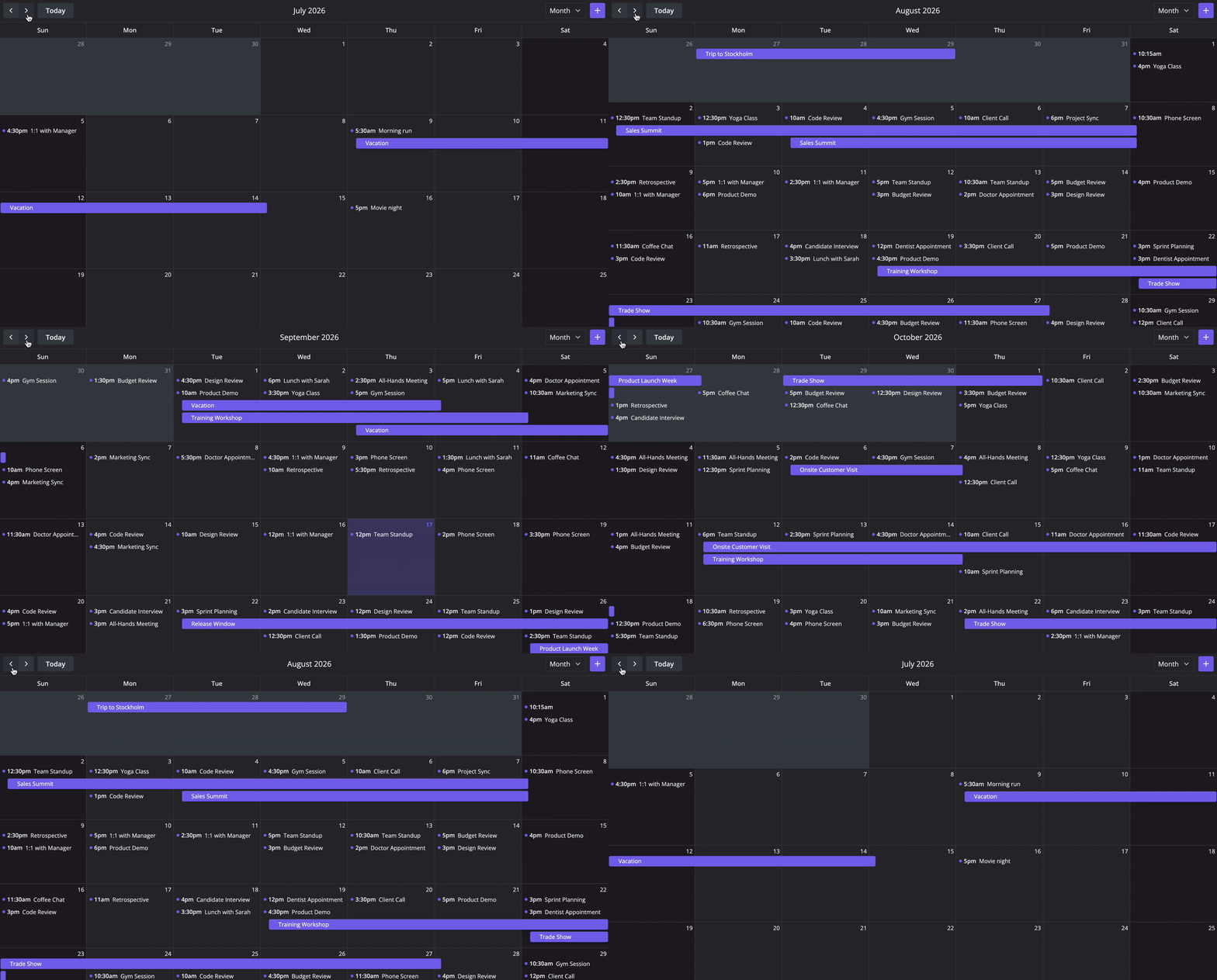
Built-in Day, Week, and Month views are available to present events at different levels of detail. SVAR React Calendar supports custom working hours, configurable first day of the week, and localization.

Drag-and-drop event editing

Manage events directly within the calendar interface. Move events by dragging, resize them to change duration, or create new entries in the time grid with a simple drag-to-create interaction.

Multi-calendar support

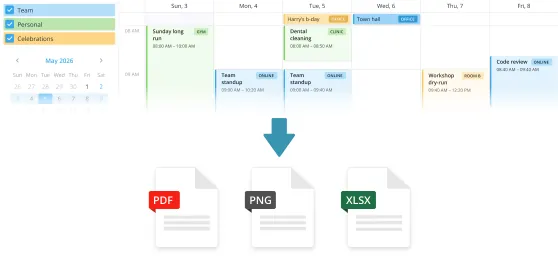
Organize events using separate color-coded calendars, such as work, personal, or other categories. Users can select which calendars to display to focus on specific groups of events.

Custom event edit form

Configure the popup event editor to match the needs of your React project. Add custom fields, adjust the layout, or extend it with comments and task lists – all with a clean, ready-to-use API in the React event calendar component.

Event filtering

Handle large numbers of events with built-in filtering options. Apply simple filters or more advanced conditions to help users find relevant data in the React event calendar.
Star on GitHub

Try Live Demo

For the best experience, view this page on a desktop device to enjoy the live demo, as it looks great on larger screens!

React Calendar PRO with Timeline & Resources

The PRO Edition of SVAR React Calendar unlocks four advanced views and recurring event support. Build full-scale scheduling, booking, and resource management interfaces.

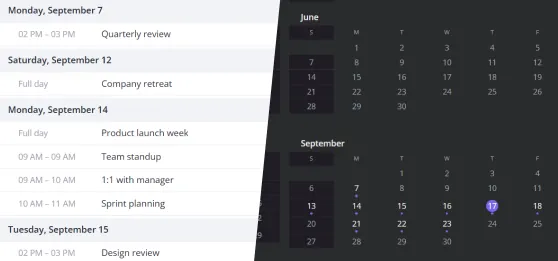
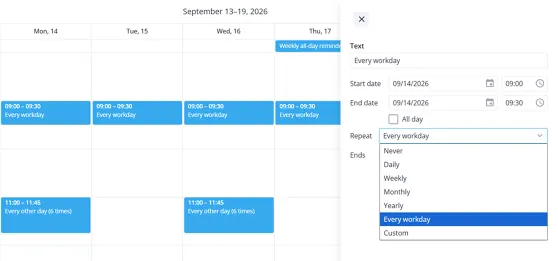
Year View & Recurring Events

The Year View gives users a bird's-eye overview of their entire schedule, making it easy to spot busy periods and plan ahead. Combined with recurring event support, repeating events are defined with no manual re-entry needed.

Agenda View

Display events as a clean, chronological list grouped by date and time. SVAR React Calendar PRO comes with the Agenda View that cuts through visual noise and works especially well for mobile layouts, dashboard sidebars, or users who prefer reading their schedule over browsing a grid.

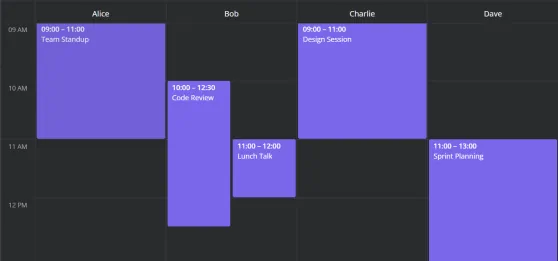
Resources View

Manage people, rooms, equipment, or any other bookable resource within a single shared calendar. Resources appear as side-by-side columns, making availability gaps and conflicts immediately visible — reducing the back-and-forth of manual scheduling.

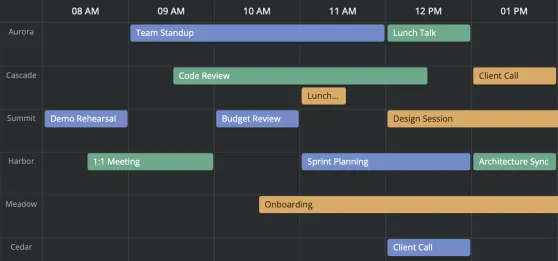
Timeline View

Visualize events and resource allocation along a horizontal time axis to see who is doing what and when. The Timeline View of SVAR React Calendar suits project scheduling, shift planning, and booking systems where multiple entities need to be tracked across different time ranges.

Try Calendar PRO

Get full access to SVAR React Calendar PRO for 30 days. We'll email you installation instructions right after you submit the form.

  • Fully functional trial
  • 30-day trial period
  • SVAR watermark

Read the full Trial License Agreement

Need help with integration?

We offer paid consulting and custom development services to help you get the most from SVAR React Calendar, from setup and customization to full web app development.

Frequently Asked Questions

SVAR React Calendar is a high-performance React event calendar component. Unlike popular open-source calendar libraries (like FullCalendar or react-big-calendar), SVAR Calendar offers:
  • Modern React-first codebase
  • Built-in editor for editing event details
  • Multiple calendar support (colored calendar groups)
  • Advanced filtering for events
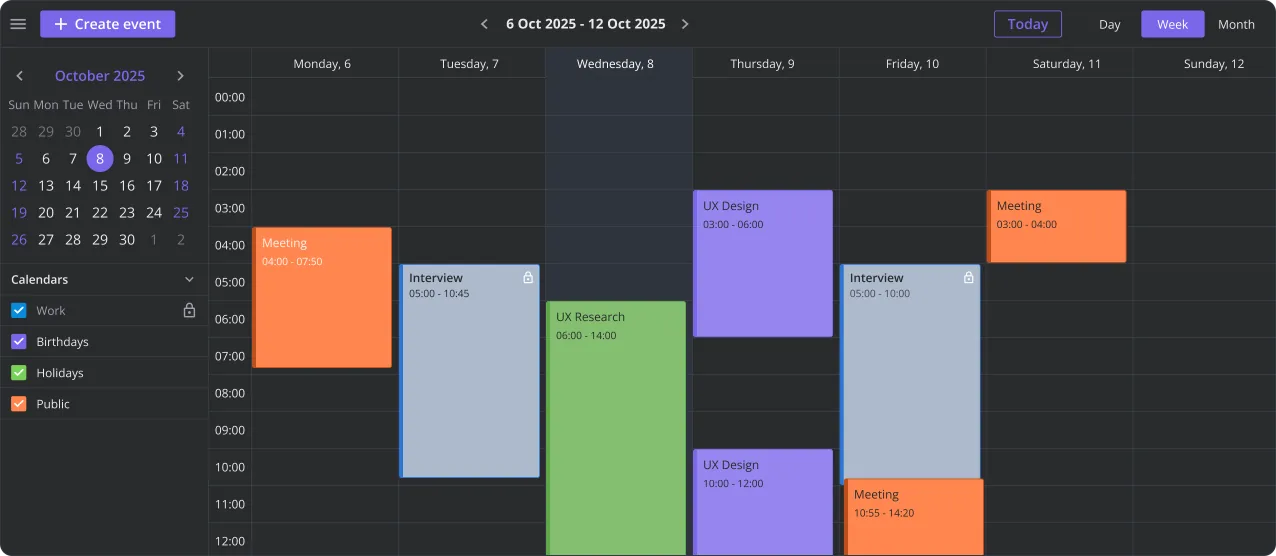
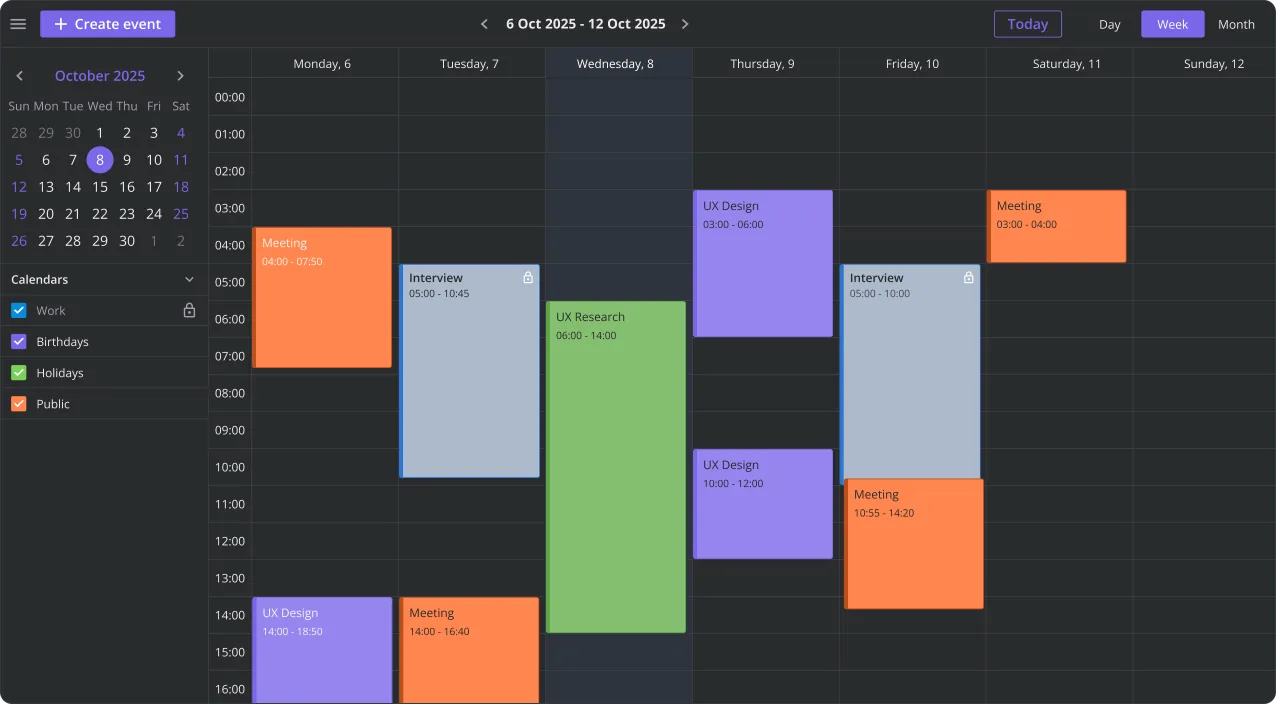
  • Well-designed light and dark themes
  • REST backend integration out of the box
Like FullCalendar, SVAR React Calendar offers paid PRO Edition with additional views and recurring event support. It is suitable for enterprise-grade React calendar apps, scheduling dashboards, booking systems, and event management tools.
SVAR React Calendar is fully compatible with React 18 and React 19. It is designed to work with Next.js and modern React stack.
Yes. The calendar component comes with full TypeScript support, including event models, API methods, and view configurations.
SVAR React Calendar comes with the free, MIT-licensed core that includes Day, Week, and Month views, event editor, toolbar, context menu, filtering, drag-and-drop event editing and creation, iCal import/export, and backend integration support. It is suitable for building standard React-based calendars with events and scheduling features.
The PRO version of SVAR Calendar component adds Agenda, Year, Resources, and Timeline views, plus recurring event support. It is designed for advanced scheduling systems such as workforce planning, booking platforms, and enterprise resource management tools. Find the feature comparison and pricing details for SVAR React Calendar PRO here.
You can quickly add the React calendar component to your application using npm or yarn.
  • Install the open-source React calendar: npm install @svar-ui/react-calendar
  • Import the React calendar component into your app
  • Initialize it with events and view configuration
  • Connect your backend using the built-in REST helper or custom handlers
  • Customize event rendering, editor fields, filters, toolbars, and interactions
Helpful resources: If you would like to try SVAR React Calendar PRO, request a free 30-day trial with advanced scheduling features.

Resources