Just released

Svelte Event Calendar

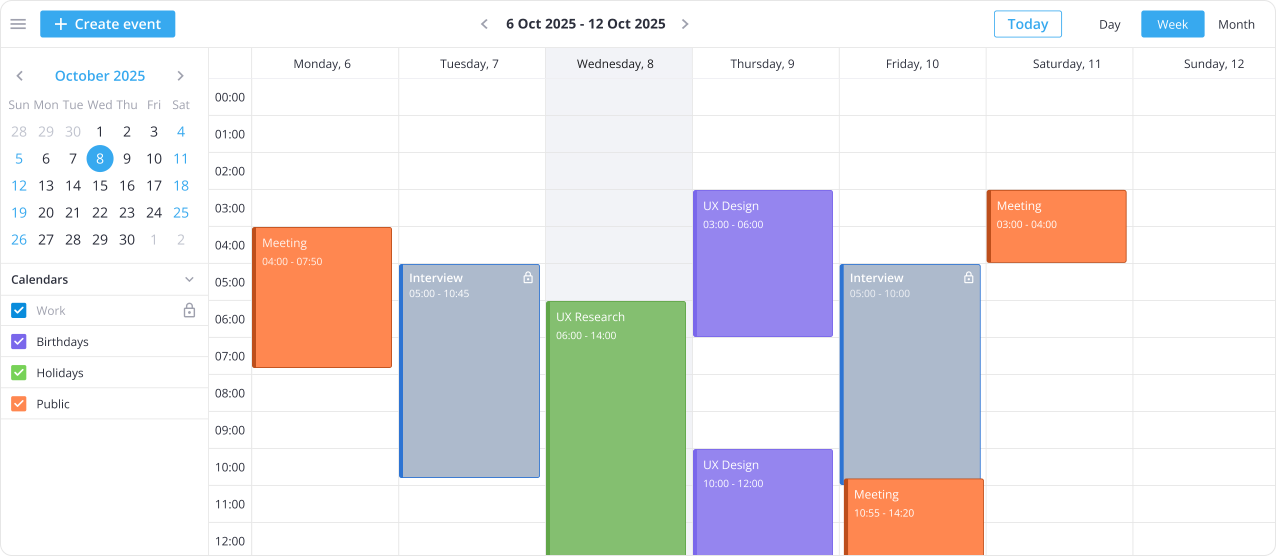
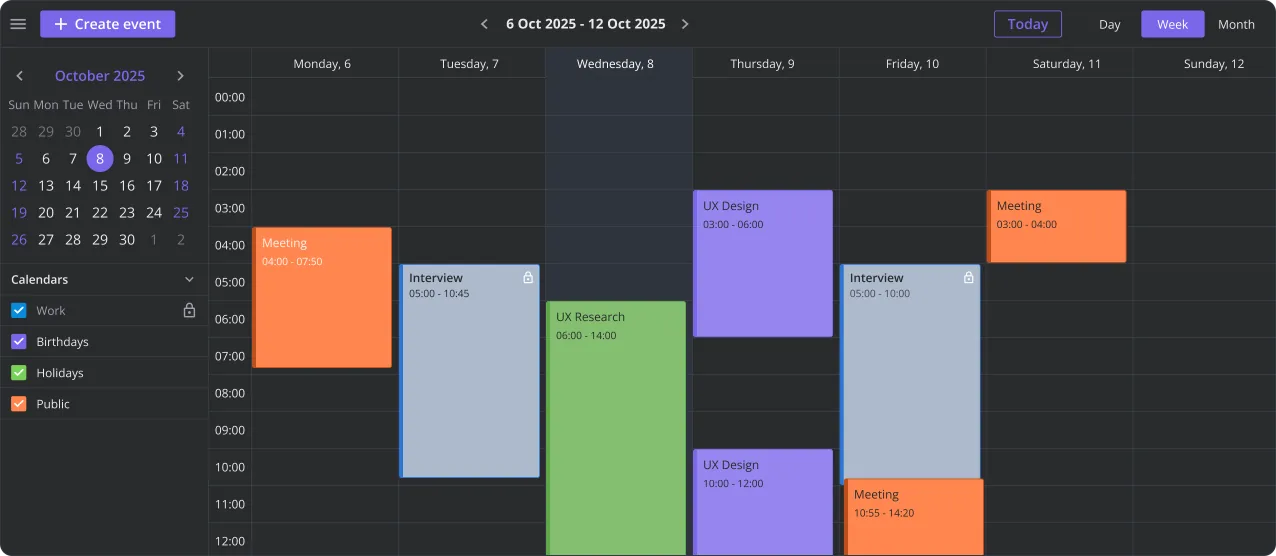
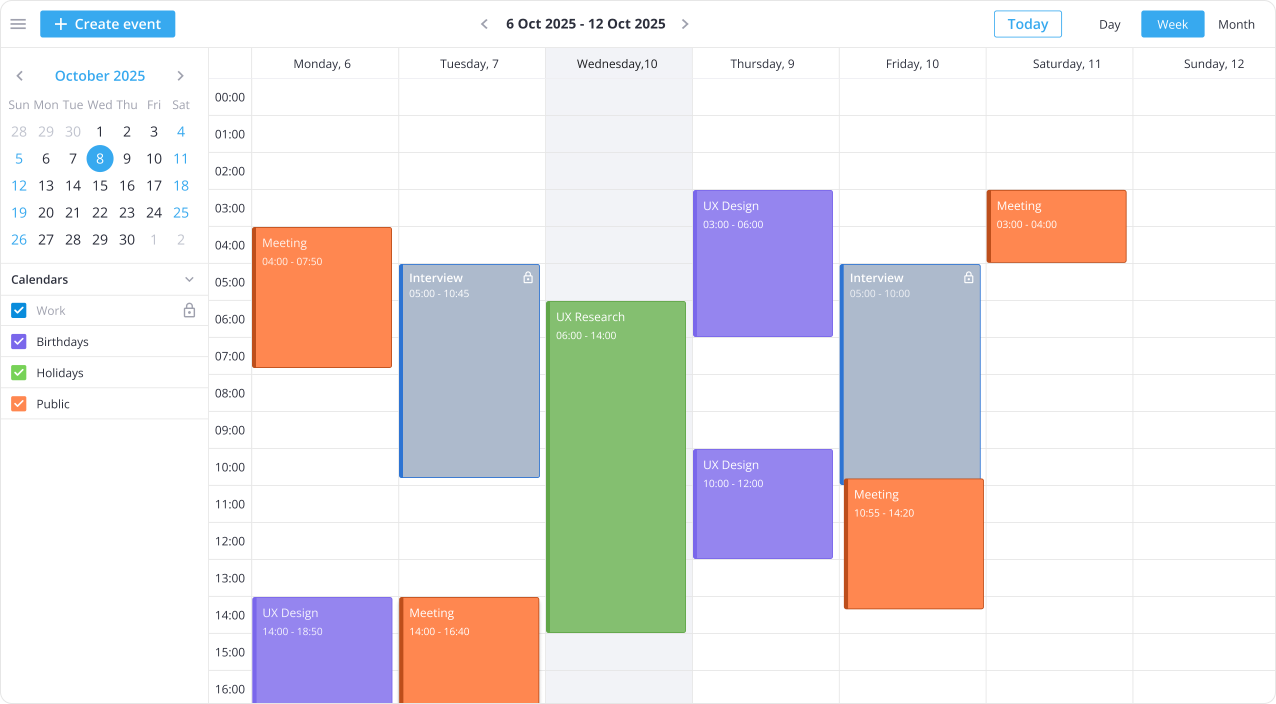
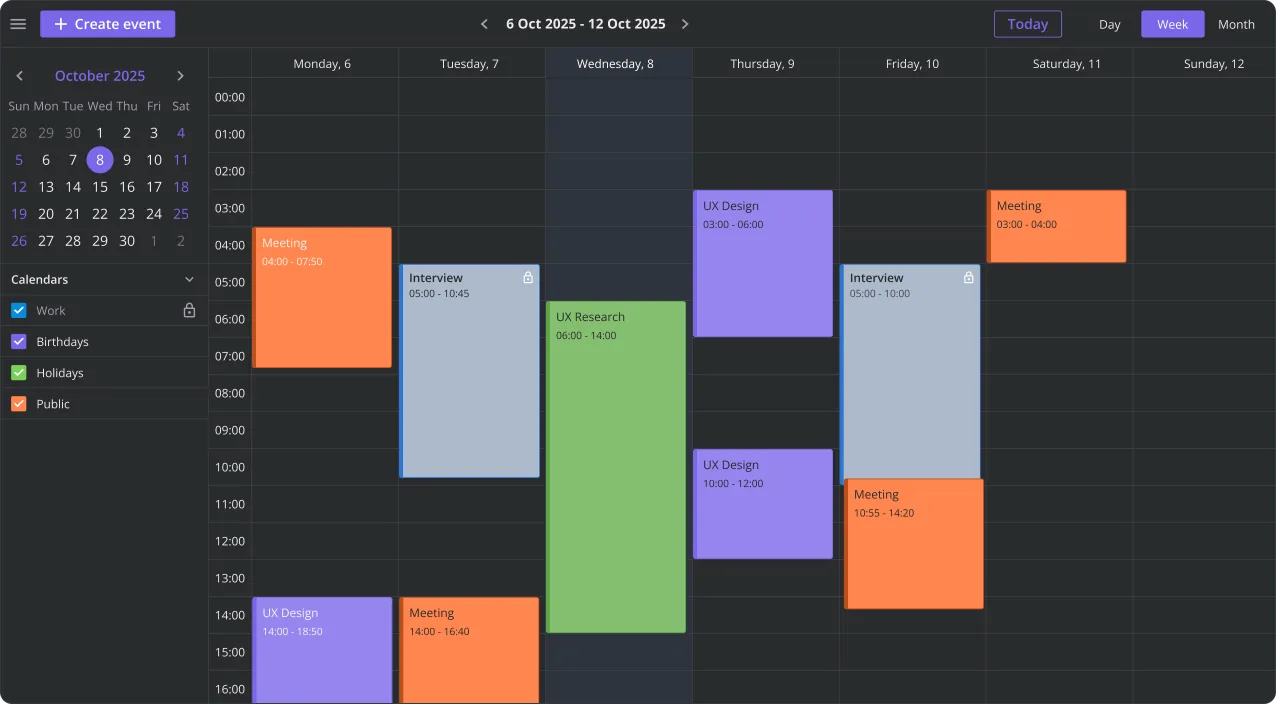
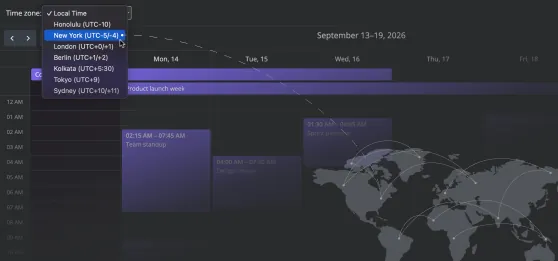
SVAR Calendar is an open-source, lightweight event calendar component for Svelte and SvelteKit apps. Build a Google Calendar-like scheduler in minutes with drag-and-drop editing and multiple views.

Also available for:

Key Features of SVAR Svelte Calendar

100% Svelte with TypeScript support

Built specifically for Svelte, with no wrappers or adapters. Use a developer-friendly API to control every aspect of the calendar: from colors and labels to time scales and date headers. Full TypeScript support included.

Day, Week, Month views

Switching between Day, Week, and Month views is easy and gives users the right level of detail for their schedule. Our Svelte event calendar lets you set custom working hours, pick preferred time format and week start day.

Drag-and-drop event editing

With SVAR Svelte Calendar, creating and editing events feels natural. Users can drag event boxes to move events, resize to adjust duration, or create events directly in the time grid.

Multiple calendar support

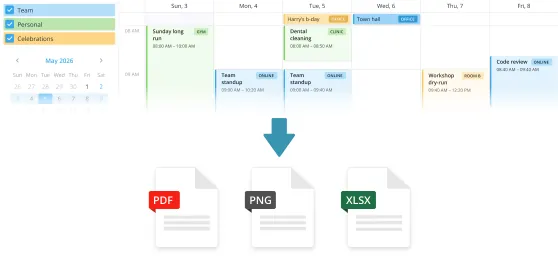
Keep different event types visually organized using color-coded calendars, like work, personal, or holiday schedules. Users can toggle calendars on and off at a glance to focus on what matters.

Custom edit form

A popup form for editing event details can be configured to contain custom fields and match the exact needs of your project. You can also add comments, or task lists as needed.

Event customization

Customize how events are displayed and interacted with. Use templates for event rendering, add tooltips with details, or include preview popups for additional interactions.
Star on GitHub

Try Live Demo

For the best experience, view this page on a desktop device to enjoy the live demo, as it looks great on larger screens!

Svelte Calendar PRO with 4 More Views

The PRO Edition of SVAR Svelte Calendar offers additional views for event management and flexible scheduling, as well as recurring events support.

Year View & Recurring Events

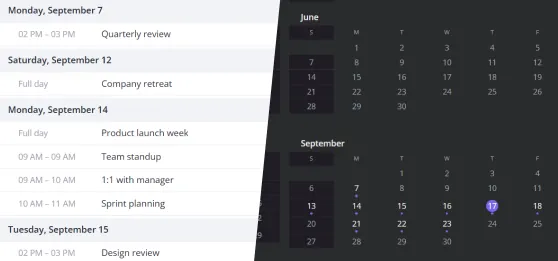
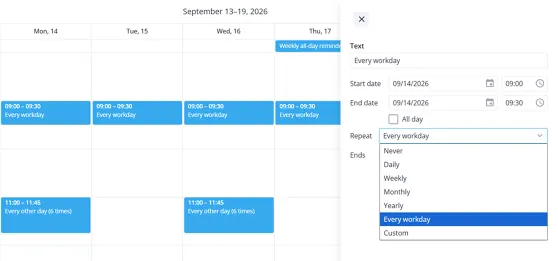
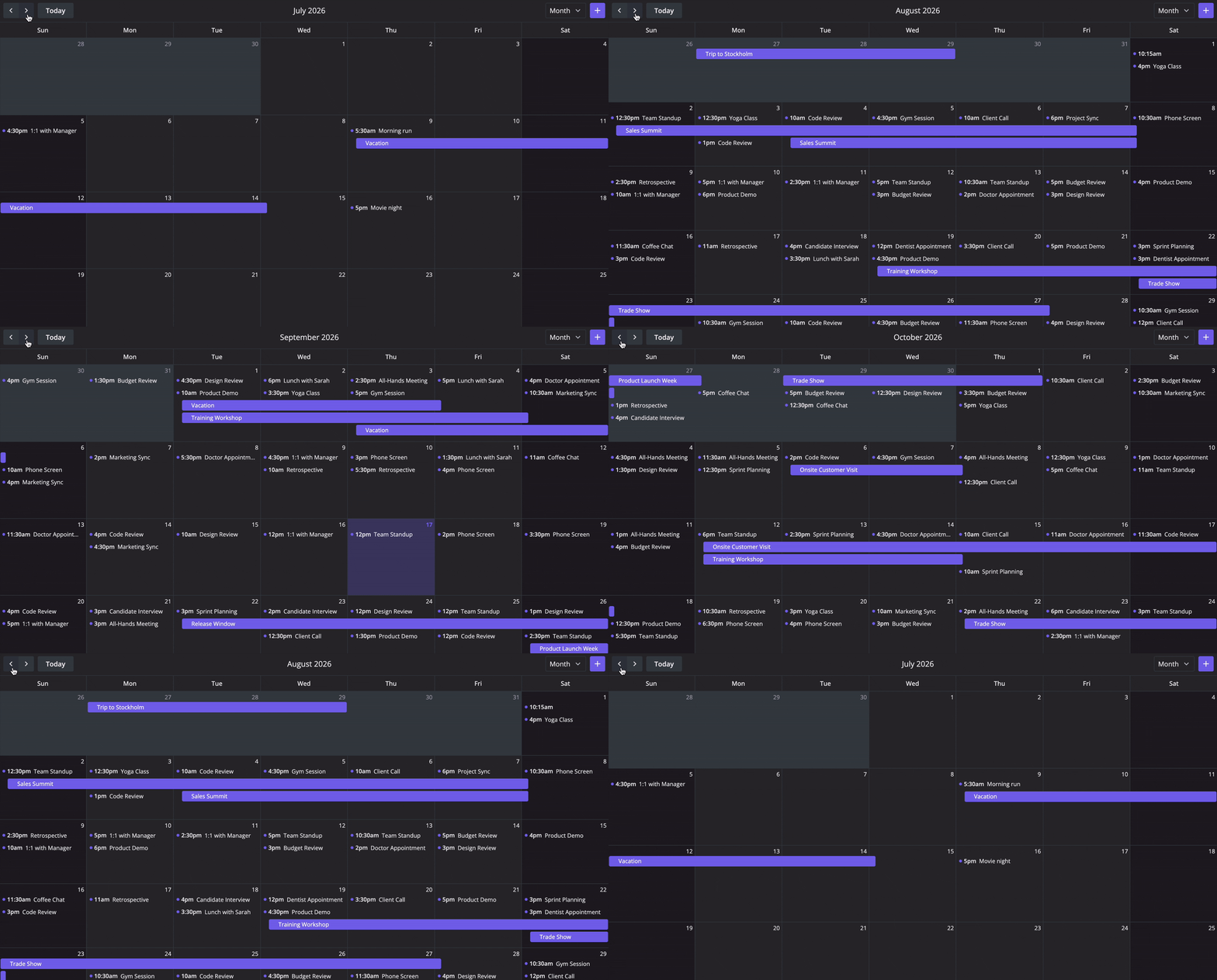
Year View of the Svelte calendar component lets users scan their entire schedule at once, which is perfect for events overview. Paired with recurring event support, it allows users to handle daily standups, weekly reviews, monthly meetings, or any repeating schedule without manual re-entry

Agenda View

Give users a clean, linear list of upcoming events sorted by date and time. The Agenda View cuts through visual noise and is especially useful for accessibility, mobile layouts, or users who prefer reading their schedule over browsing a grid.

Resources View

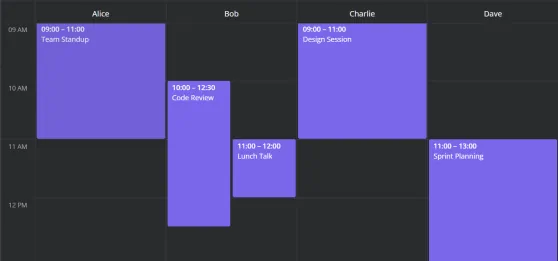
Manage people, rooms, equipment, or any other resource on a single shared event calendar. The Resources View of SVAR Svelte Calendar PRO displays multiple resource tracks side by side, making it easy to spot availability conflicts and allocate time efficiently across your team.

Timeline View

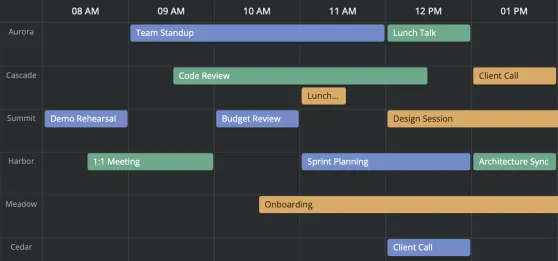
Visualize events and resource allocation across a horizontal time axis. The Timeline View is ideal for project scheduling, shift planning, or any scenario where you need to see how multiple entities are occupied across hours, days, or weeks.

Try Calendar PRO

Get full access to SVAR Svelte Calendar PRO for 30 days. We'll email you installation instructions right after you submit the form.

  • Fully functional trial
  • 30-day trial period
  • SVAR watermark

Read the full Trial License Agreement

Need help with integration?

We offer paid consulting and custom development services to help you get the most from SVAR Svelte Calendar, from setup and customization to full web app development.

Resources