

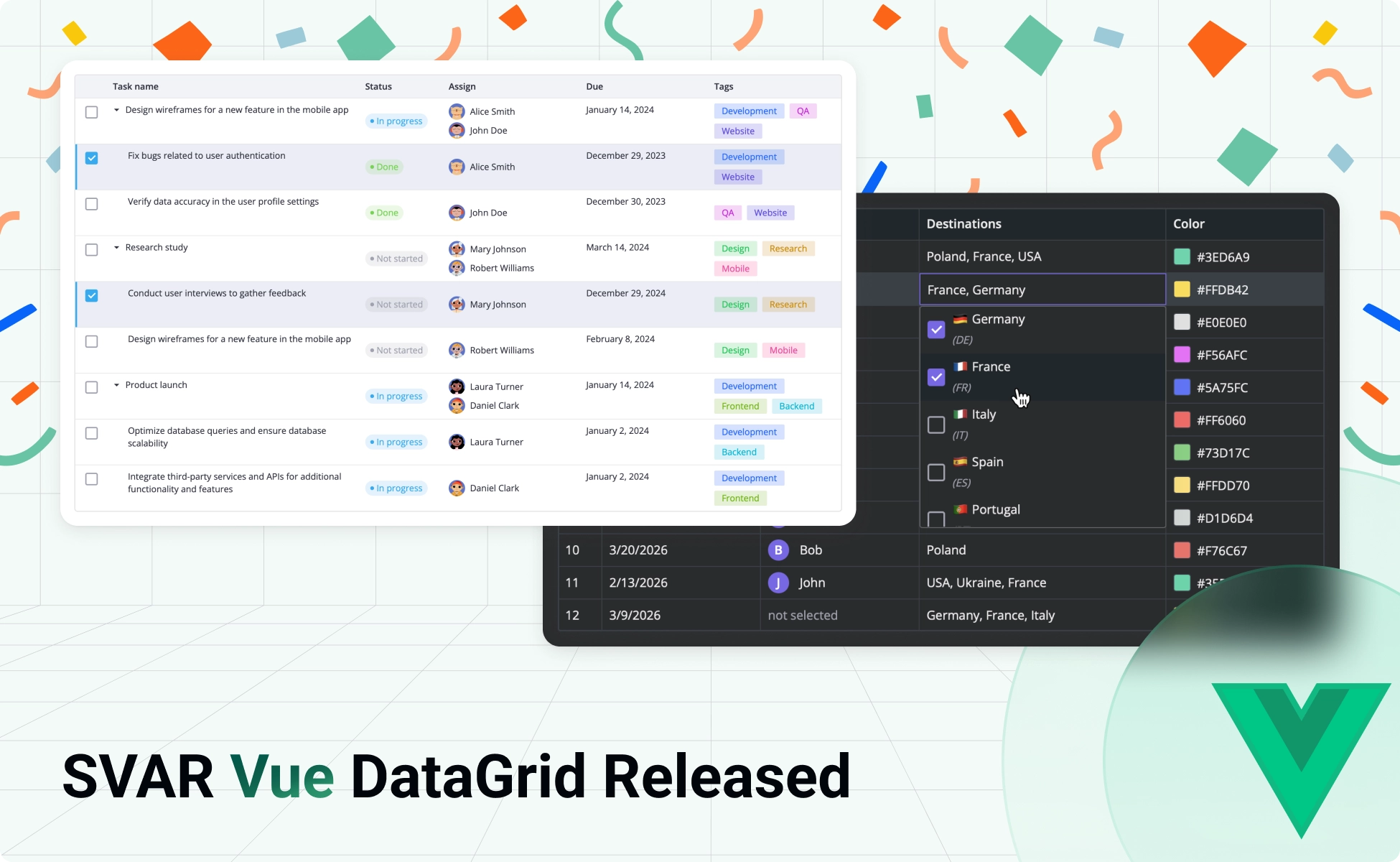
We’re excited to introduce SVAR Vue DataGrid, a new high-performance, fully-featured data grid component built specifically for Vue 3. It includes the same functionality as our Svelte and React DataGrid components, with a focus on a clean Vue-native API that’s easy to work with. The component is open-source and available under the MIT license. Explore the code and get started quickly:
- GitHub repo – give it a star if you like what you see ⭐
- DataGrid demos
- Getting started guide
Install SVAR Vue DataGrid component via npm and start building fast, feature-rich Vue tables within minutes:
npm install @svar-ui/vue-gridWhy Choose SVAR Vue DataGrid
SVAR Vue DataGrid covers the core needs of data-heavy apps out of the box: sorting, filtering, editing, layout control, and virtual scrolling for both rows and columns. That said, the grid handles large datasets with speed and efficiency.
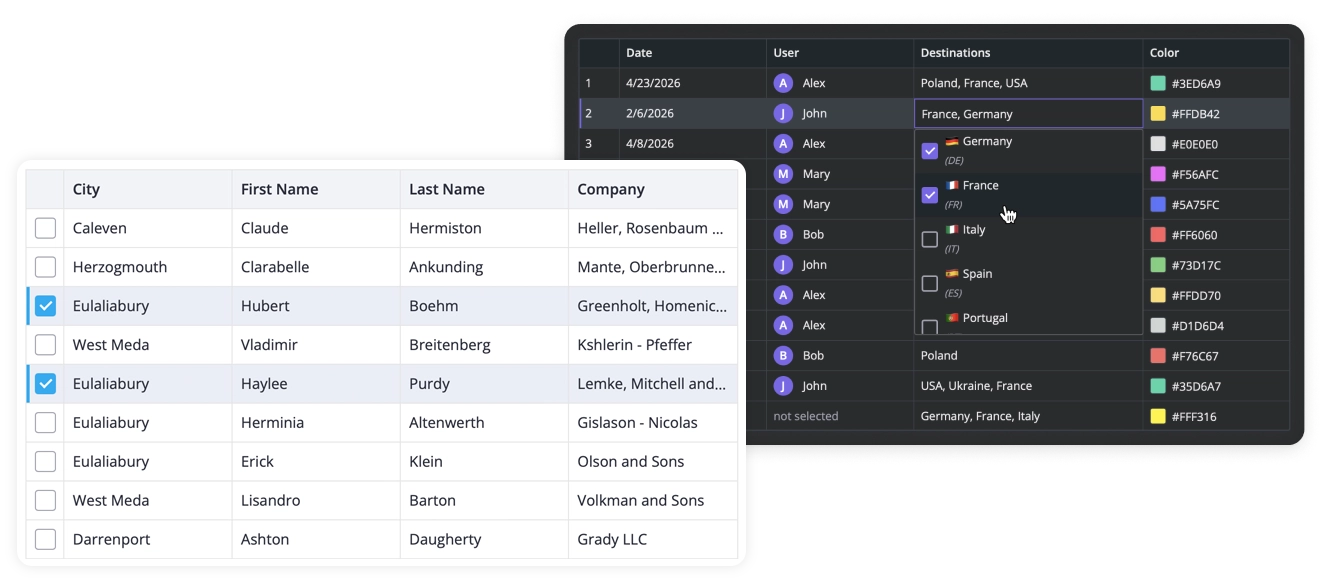
Here’s a quick overview of key features:
- Vue-native architecture with a predictable API
- High performance with large datasets
- Accessibility with WAI-ARIA support and full keyboard navigation
- Sorting, filtering, and in-cell editing (built-in and custom editors)
- Flexible configuration of columns and rows
- Light and dark themes easily customizable with CSS
- Export to CSV & print support
In SVAR Vue DataGrid, you’ll find enterprise features that other grids hide under the paywall: context menu, tree data, advanced filtering, lazy loading, and rich select as a cell editor.
A Vue DataGrid That Feels Natural
SVAR Vue DataGrid is written entirely in Vue 3, without wrappers or adapters. That might sound like a small detail, but in practice it changes how the component feels. If you’ve used grids that feel “ported” from another framework, the difference is noticeable.
The grid’s API follows Vue patterns, reacts the way you expect, and can be customized to your app needs without dealing with the JS adapters. You can use your custom Vue components as cell-editors or integrate them to add extra functionality to the data grid.
Sorting and Filtering
Most data tables need the same core interactions: sorting, filtering, editing. All of these are supported in SVAR Vue DataGrid and can be set up for your specific needs:
- Sort by one or multiple columns
- Customize sorting logic, if needed
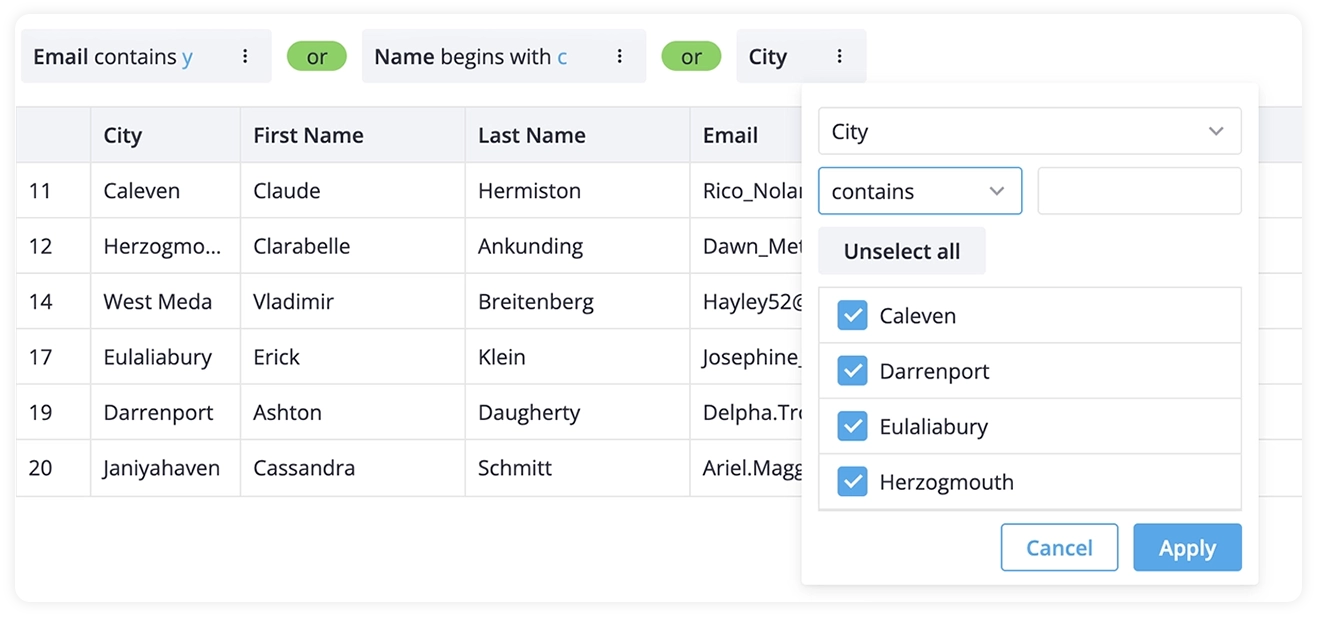
- Add header filters for quick data filtering
- Use custom external filters
- Add a query builder for advanced filtering – integration with SVAR Vue Filter
- Add a syntax query input with optional natural language search with SVAR Filter
SVAR Vue DataGrid is made to handle extra large datasets, not only by rendering and loading them fast, but also providing tools to search and manage the table data in a convenient way.
Data Editing
With our data grid component, you can edit data inline with built-in editors (text, combo, richselect, datepicker), add your own custom editors or attach an external edit form by integrating SVAR Vue Editor.
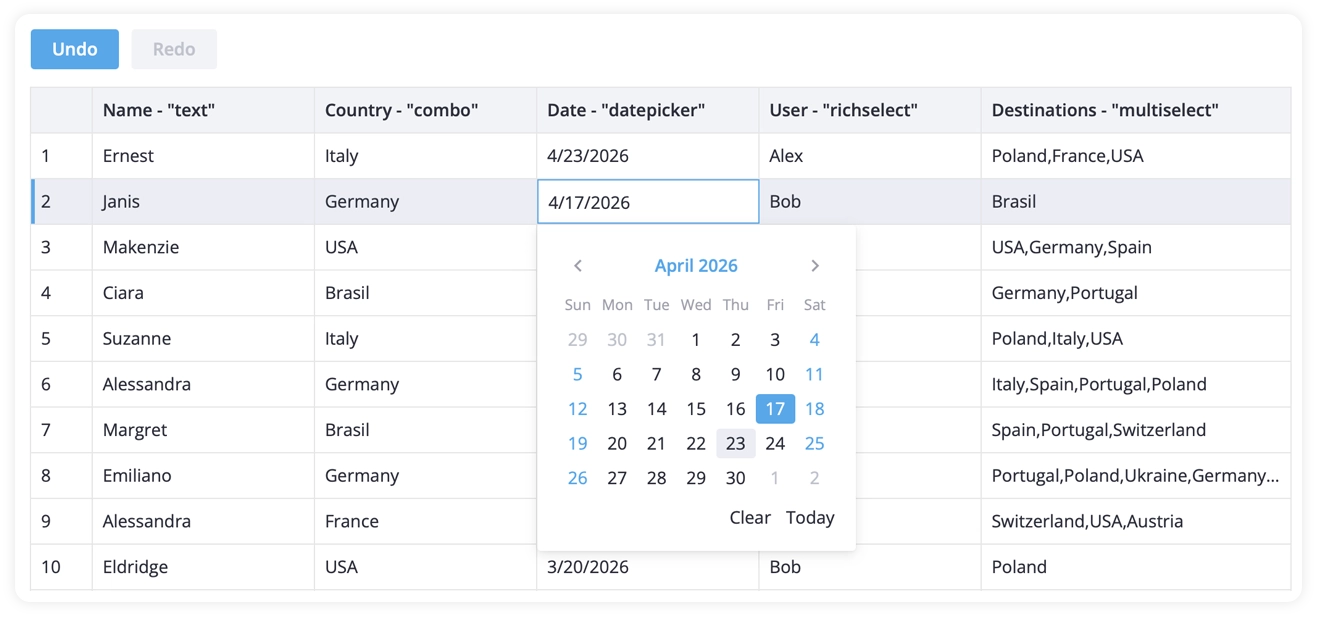
With a special backend integration helper called RestDataProvider, saving the changes to the backend is really easy. Undo/redo support is included as well, which makes working with editable data a bit less risky.
Flexible Layout and Configuration
Tables tend to grow in complexity over time, so flexibility here matters. You can group columns, span headers, pin important columns to the left, or hide less relevant ones.
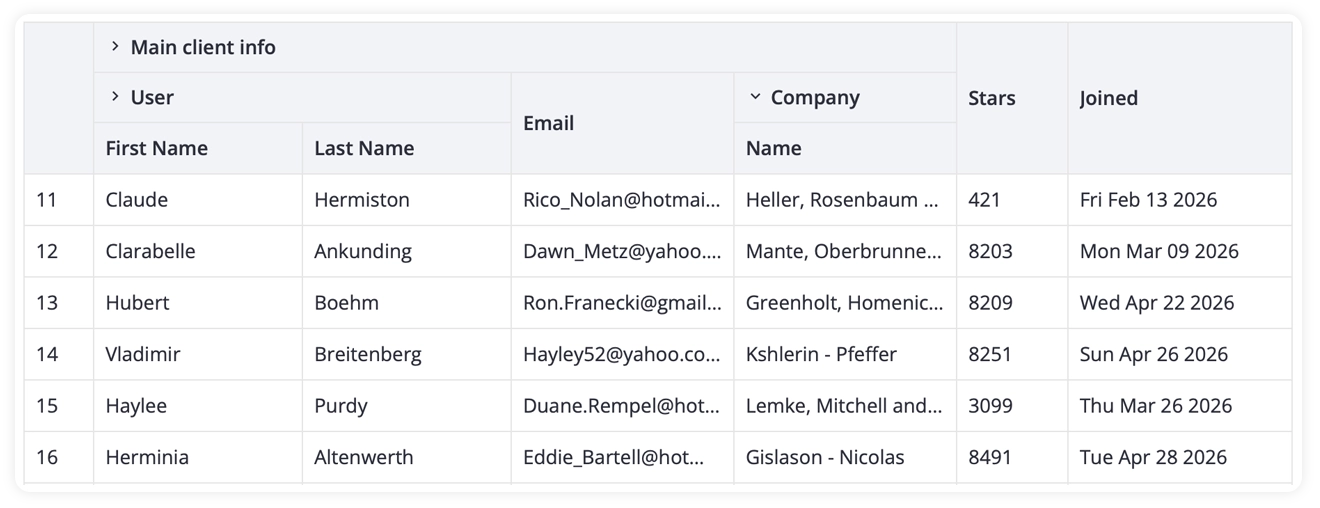
Rows can be selected, reordered with drag-and-drop, or extended with additional interaction patterns. The goal isn’t to force a specific layout, but to give you enough control to shape the grid around your data. For everyday use, features like context menus, cell tooltips, and built-in interactions help users work with data more efficiently.
Performance That Scales
The grid is designed to handle large datasets without slowing down. Virtual scrolling and dynamic loading keep rendering efficient, so even with thousands of rows the interface remains responsive. Pagination is available, if you prefer to show the table data in chunks.
See how the DataGrid handles thousands of rows and columns:
Wrapping Up
SVAR Vue DataGrid is built to handle real-world data scenarios — from simple tables to more complex, interactive grids. It combines a clean Vue-first API, strong performance, and flexible customization, while staying close to how Vue developers expect components to behave.
If you’re building data-driven interfaces in Vue, it’s worth a look. Get started today!