Just released

Customizable Editor Form for Vue

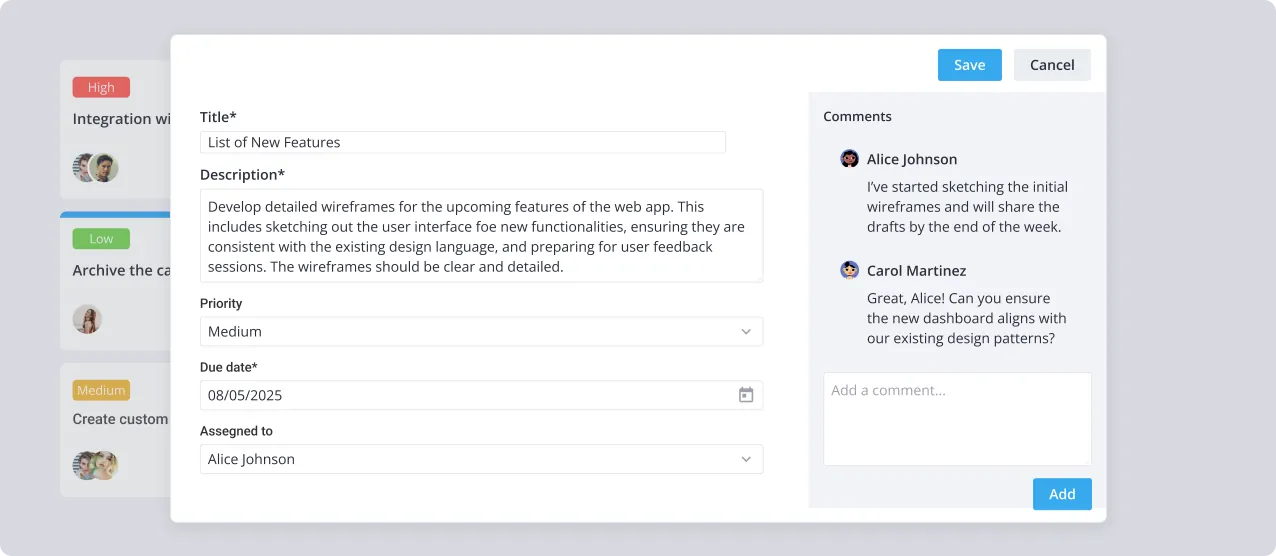
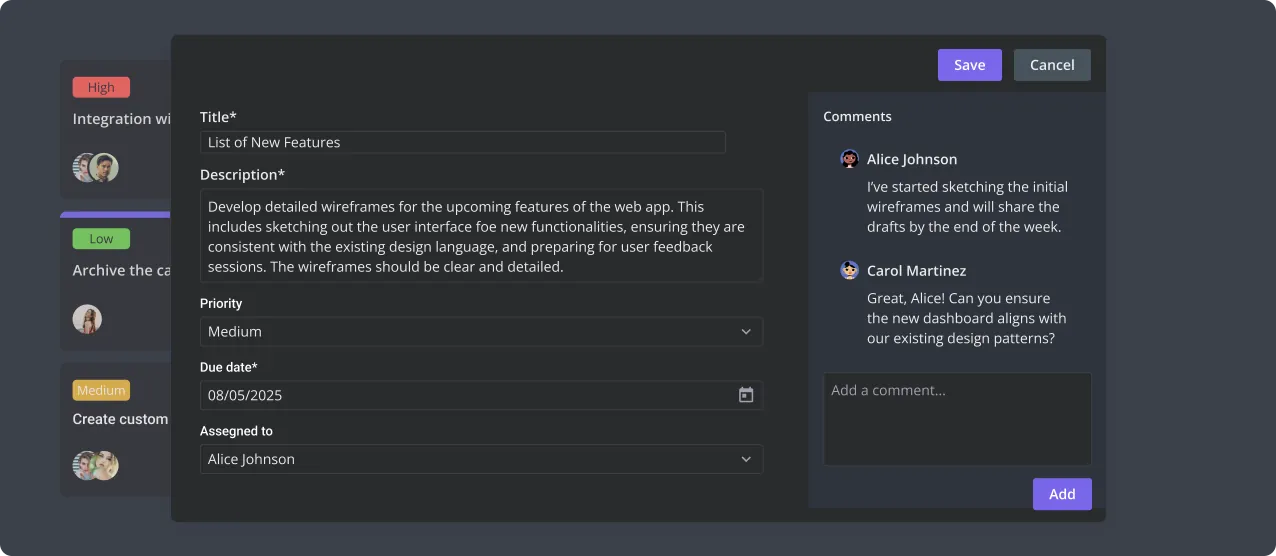
SVAR Editor is a Vue component that enables the creation of dynamic content editing forms for managing data within UI components on a page.

Licensed under MIT

Also available for:

Easy Way to Add Edit Forms in a Vue App

Use SVAR Vue Editor to provide users with a flexible, lightweight form for data input and editing. Effortlessly link it to one or multiple data records and smoothly save changes to the backend.

Try SVAR Vue Editor

Click on any info card below to open its edit form. Edit the details or leave a comment, and see how the Editor component works in real time. For the best experience, view this page on a desktop device to enjoy the live demo, as it looks great on larger screens!
Key Features of SVAR Vue Editor

Seamless content editing

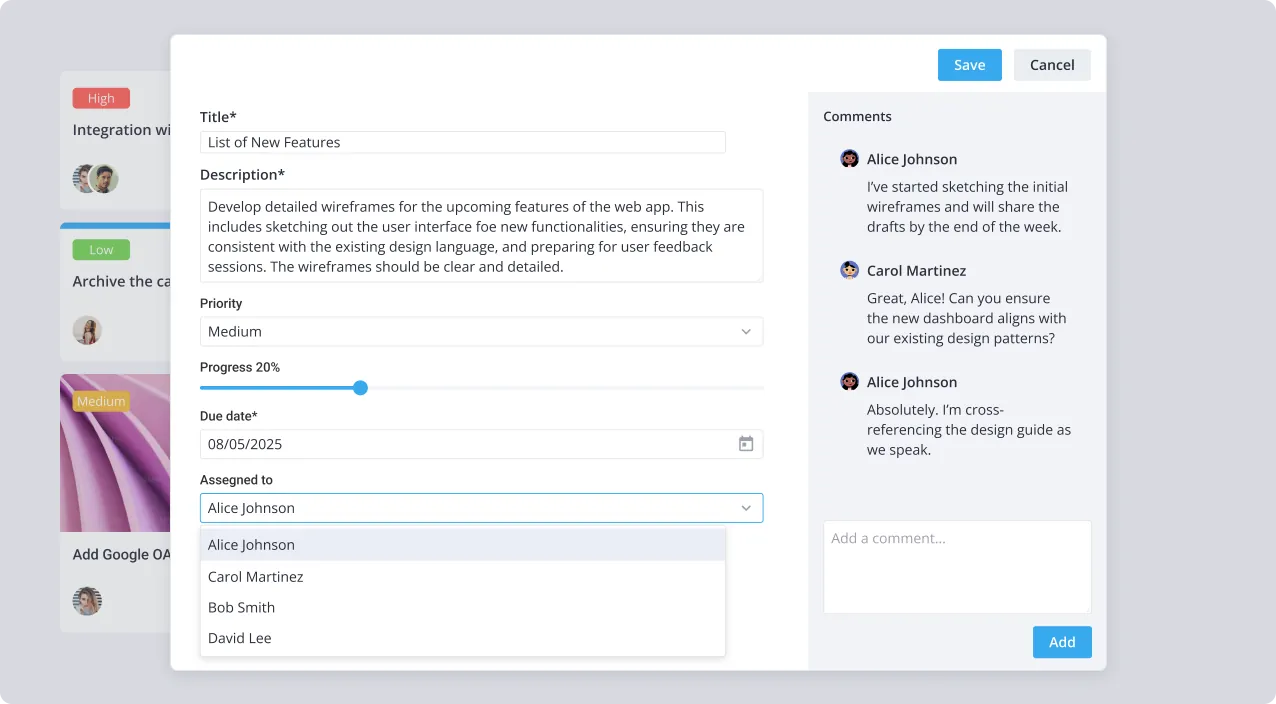
SVAR Vue Editor can be integrated with any UI component or element on a web page, enabling straightforward content editing. Perfect for modifying data in tables, info cards, or other UI blocks that hold data records.

Popup or sidebar options

Enhance user interaction by choosing between a modal popup for focused editing sessions or a sleek sidebar integration for a continuous workflow in your Vue application.

Versatile input fields

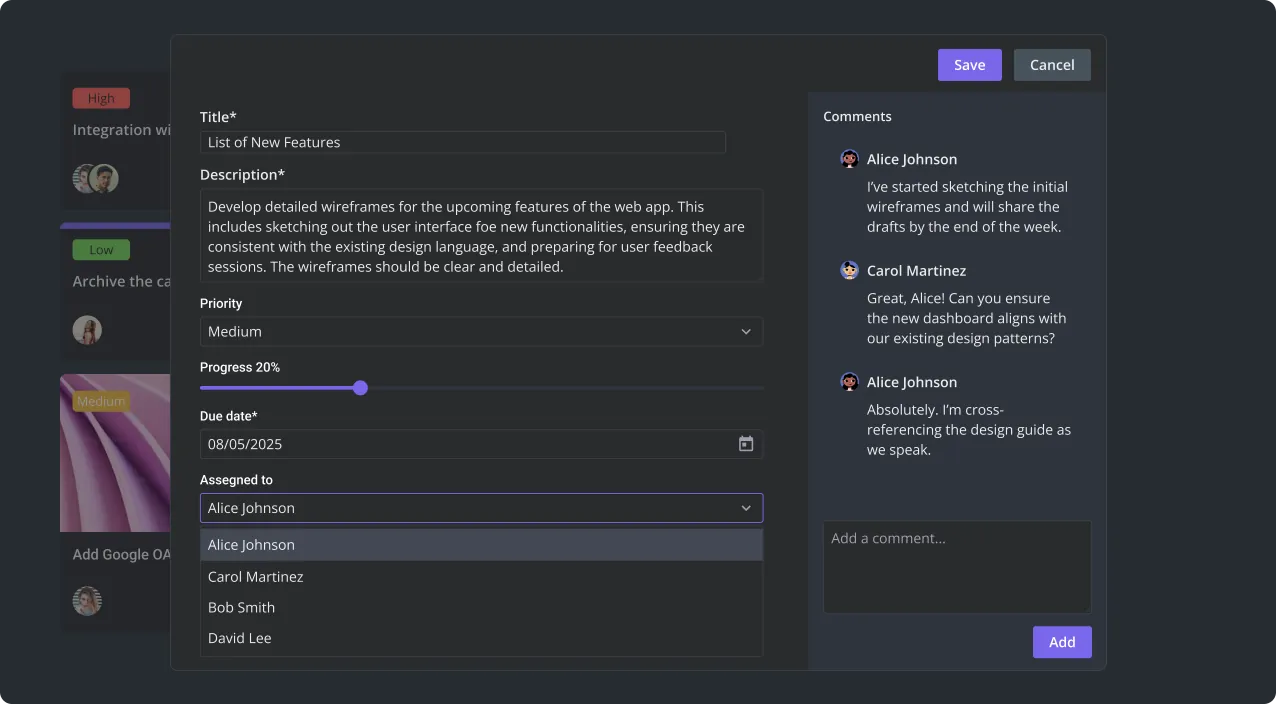
Customize the editor form to align with your Vue project's requirements using a variety of input types, including text fields, select dropdowns, checkboxes, radio buttons, date pickers, sliders, and other controls.

Essential validation

SVAR Vue Editor provides essential form validation features, including required field checks, numeric and text input validation, plus the flexibility to define custom validation rules tailored to your Vue app's specific needs.

Configurable save logic

Adapt the saving mechanism to your app workflow. Set up saving on button click, implement auto-save on data changes, or define any other saving logic.

Efficient layout design

Optimize form structure with collapsible sections or a compact 2-column layout. With SVAR Vue Editor, you can maximize screen utilization without compromising on user experience.
Star on GitHub

Professional support

Need custom features or integration help? Our experienced team provides priority support, custom development, and consulting services.

Resources