

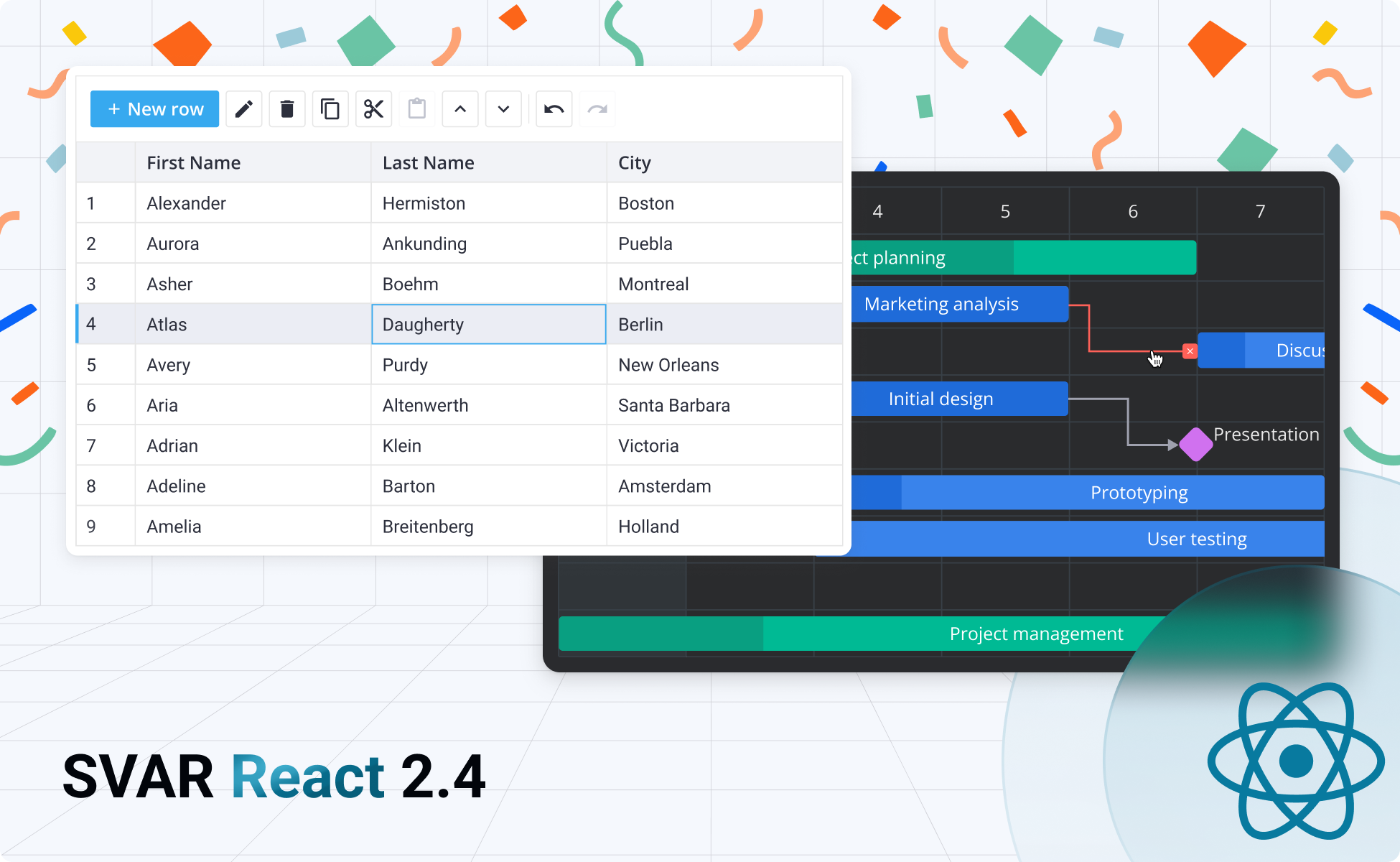
Alongside SVAR React Gantt 2.4 and its new PRO Edition, we’re happy to announce SVAR React v2.4, a noticeable update to our open-source React component library.
This release brings performance improvements, enhanced user experience across components, and several new features that developers have been requesting.
Installation
Update to the latest version via npm like this:
npm install @svar-ui/react-corenpm install @svar-ui/react-gridnpm install @svar-ui/react-ganttLet’s explore the key improvements across separate SVAR React components.
Core Components Updates
Here is what’s new in our React Core library:
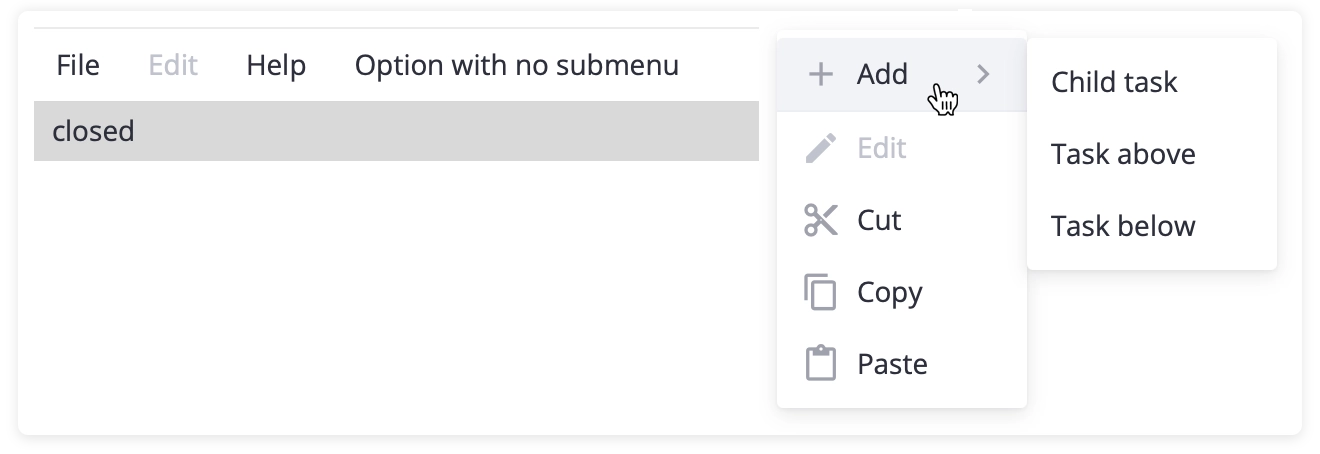
Disabled Menu Items
The Menu component now lets you mark individual items as disabled. Instead of hiding unavailable options, you can now display them in a disabled state, giving users a complete view of all possible actions while clearly showing what’s currently accessible.
New Fullscreen Component
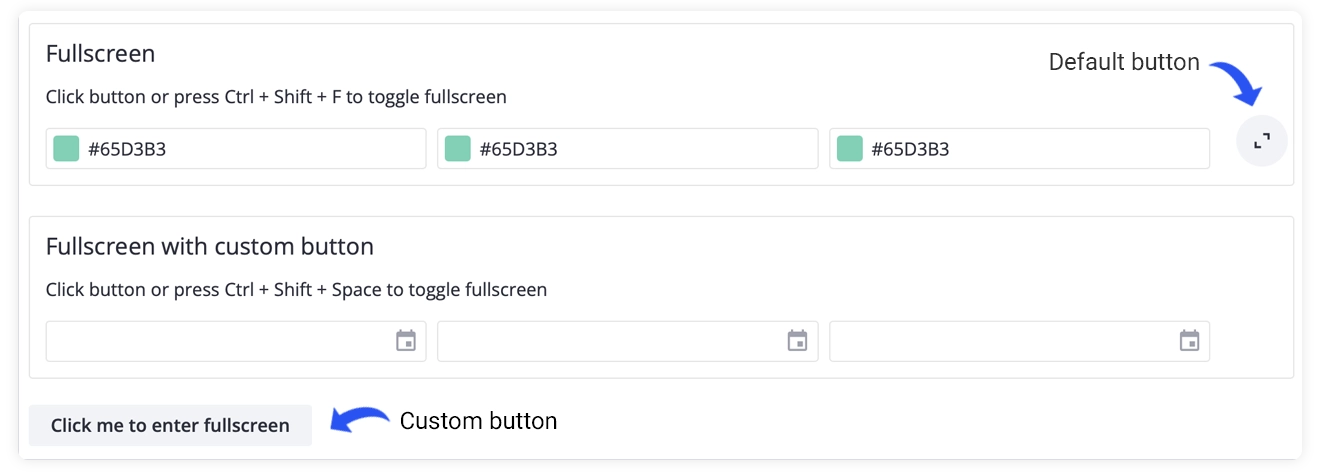
Version 2.4 introduces a new Fullscreen component that can wrap any content and switch it into fullscreen mode on demand. It includes a built-in fullscreen button and lets you define your own triggers: custom buttons or hotkeys.
Simplified Field Label Syntax
The Field component now offers a more intuitive way to associate labels with inputs. You can wrap any SVAR input control in a Field component with a label prop, and it will automatically handle the label-input connection without requiring manual ID management.
Smarter Popup Positioning
Popups now calculate their position more accurately, especially when placed inside containers with relative positioning. We’ve also expanded alignment options for Popups and Dropdown menus, making it easier to anchor them to specific sides, corners, or use flexible start/center/end alignment.
👉 View the full React Core changelog
What’s New in React DataGrid
SVAR React DataGrid v2.4 introduces several new features that make it more flexible and developer-friendly:
Built-in Toolbar
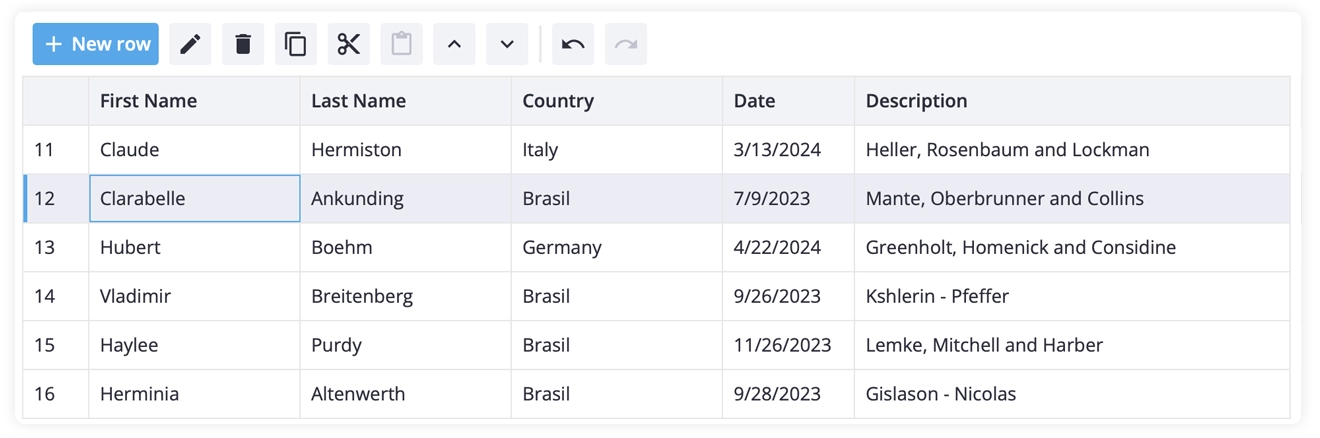
DataGrid now includes a built-in toolbar that provides quick access to common operations: adding rows, deleting selected items, cloning entries, reordering rows, editing, and undo/redo functionality. Some actions appear contextually when a row is selected.
The toolbar is fully customizable, so you can add your own buttons and integrate custom logic as needed.
Expanded Context Menu
We’ve added more built-in actions to the context menu: Copy, Cut, Paste, Move Up, and Move Down. These additions make the DataGrid more efficient for workflows that involve frequent data manipulation.
Variable Row Heights
You can now set custom heights for individual rows using the rowHeight property in your data items. This gives you fine-grained control over row sizing, making it easy to emphasize specific entries or insert custom content that needs more vertical space.

Flexible Sorting Options
The DataGrid now supports fully customizable sorting. You can define custom comparison functions at the column level or apply sorting logic to your data through the API. Multi-column sorting has also been improved, allowing you to insert sorting rules at specific positions rather than just appending them.
👉 View the full React DataGrid changelog
What’s New in React Gantt
In addition to the open-source license change – SVAR React Gantt is now available under permissive MIT license – we’ve added some practical usability improvements and introduced an MCP server for AI-assisted development.
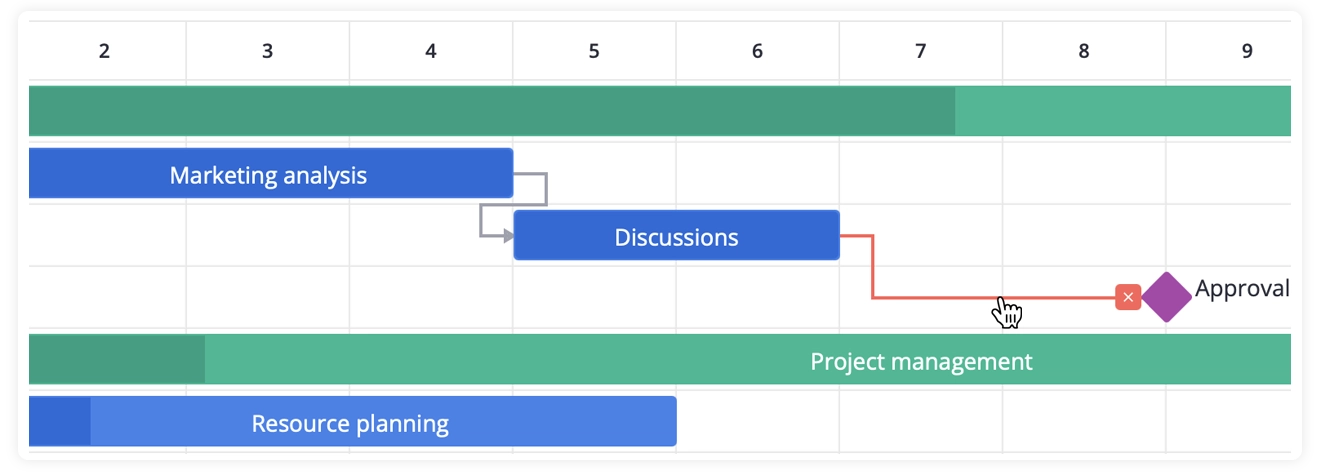
Inline Dependency Removal
Users can now remove task dependencies directly on the timeline by clicking a dependency line and using the remove icon that appears. This eliminates the need to open the task editor for simple relationship management.
Locale-Aware Scale Labels
The Gantt component now uses locale-aware formatting for timeline scale labels. When you change the locale, date labels automatically adjust to match regional formatting conventions. You can define custom scale formats and the component respects your locale’s week start settings.
MCP Server for AI-Friendly Development
SVAR React Gantt now includes a Model Context Protocol (MCP) server that connects AI coding assistants like Cursor, Claude Code, or Gemini directly to the component’s documentation and API reference.
This means your AI assistant can help you integrate and customize the Gantt chart with accurate, up-to-date information. No more outdated examples or incorrect API suggestions.
👉 View the full React Gantt changelog
Wrapping Up
SVAR React v2.4 delivers focused improvements that make the component library more flexible, intuitive, and consistent across the board. To get started with the update, you’re welcome to:
- View on GitHub
- Read the documentation
- Explore the demos
Whether you’re building with React Core, DataGrid, or Gantt, version 2.4 brings meaningful enhancements to your React development workflow.
For SVAR Gantt, the MIT license removes licensing barriers for both personal and commercial projects, while the MCP server integration ensures you can leverage AI coding assistants effectively when working with the component.
✨ Happy coding and have a wonderful holiday season!