Just released

Vue Kanban Board

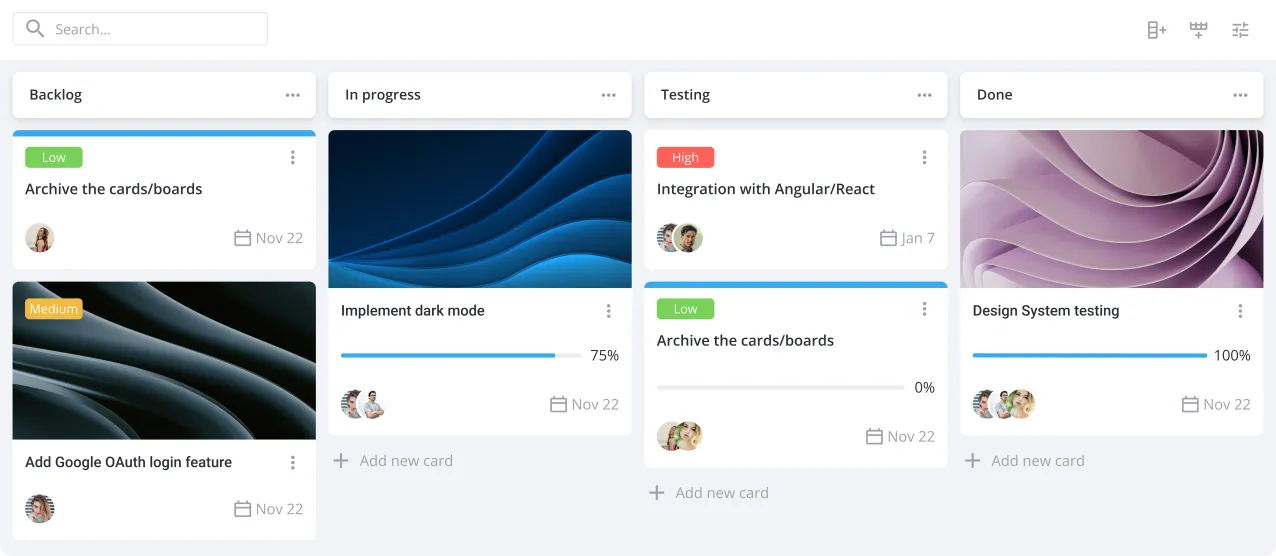
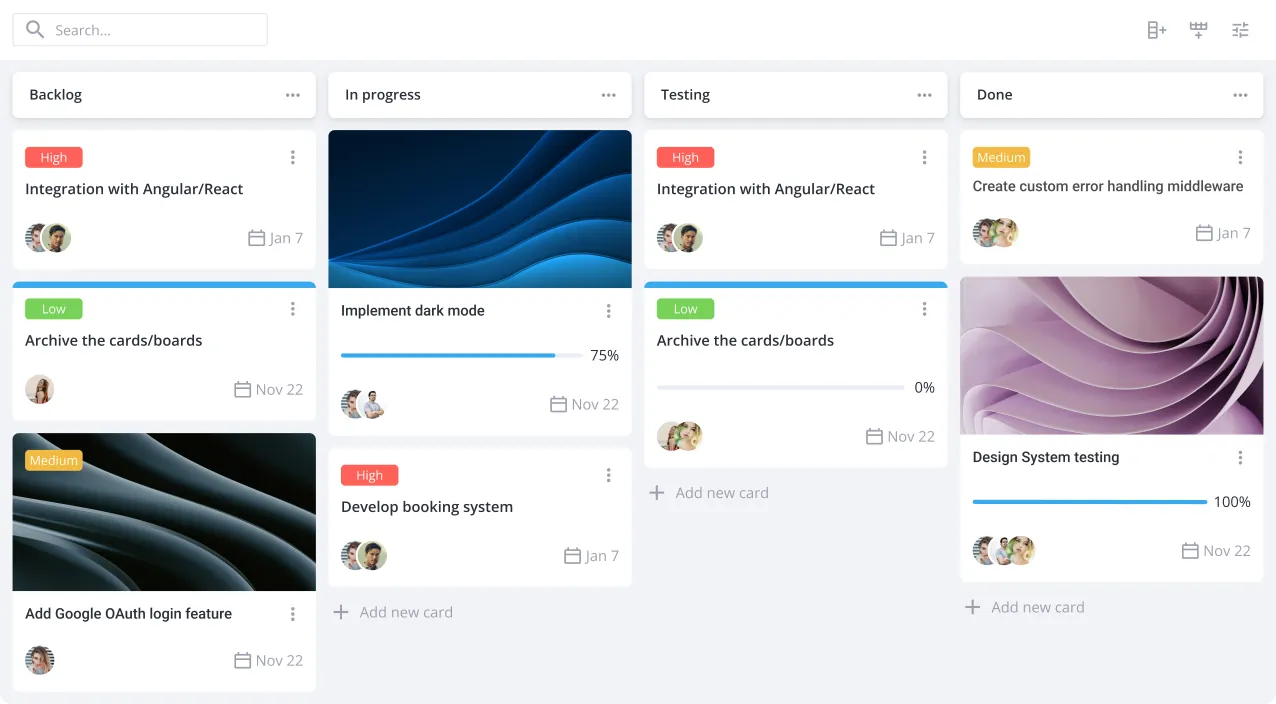
Quick and easy-to-use Vue.js kanban component for project workflows. With SVAR Vue Kanban, you can easily add a nice-designed task board interface to your web app.

Also available for:

Vue Kanban for Project Workflow

This kanban board component is built natively for Vue 3 — no wrappers, no extra state management layer. Style it with plain CSS variables and keep full control over markup, data, and behavior.

Star on GitHub

Try Vue Kanban in Action

For the best experience, view this page on a desktop device to enjoy the live demo, as it looks great on larger screens!

Why Choose SVAR Vue Kanban

Custom cards and layouts

Show priority badges, tags, progress bars, deadlines, and user avatars out of the box, or swap in your own Vue component for the card when you need a fully custom UI. You can choose from several layout templates of swimlanes or build your own.

Familiar drag-and-drop interface

With SVAR Vue Kanban, users can move cards between columns or reorder them within one — just like in popular online task board tools. Every drag fires an action your app can observe, validate, or cancel, so you stay in control of what's allowed.

Task sorting, filtering & grouping

It's easy to find the required task on the board - sort by label or priority, filter by any field, and regroup the whole board by status, assignee, or priority on the fly. Filtering includes optional AI-powered free language search.

Built-in editor and action menu

A ready-to-use editor lets users update task details in a sidebar or popup form. The context menu gives quick access to edit, duplicate, delete tasks on the board, with the ability to add any custom actions if needed.

Easy backend integration

SVAR Vue Kanban component allows you to connect to your API with the built-in REST data provider, or hook up your own data layer — every change to a card flows through one clear, observable action.

Optimized for large datasets

Card and column virtualization render only what's visible on screen, so boards with thousands of cards stay smooth and responsive. The PRO Edition adds dynamic loading for even larger datasets.

Vue Kanban Board PRO Edition

SVAR Vue Kanban PRO includes advanced capabilities for large datasets, data export, and actions history for redo and undo support.

pro

some alt text

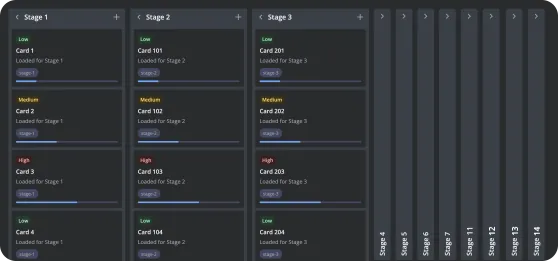
Dynamic column loading

SVAR Vue Kanban PRO allows you not to fetch everything upfront. Each column loads its tasks only when it comes into view, so initial renders stay quick even with many columns and large datasets. This on-demand approach cuts unnecessary requests and keeps the interface responsive.

pro

some alt text

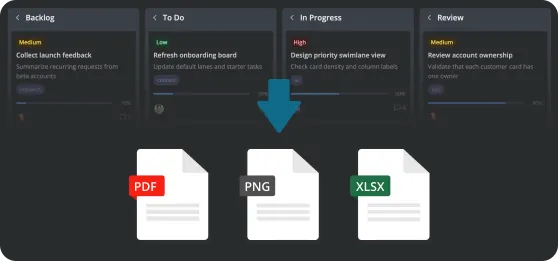
Export to PDF, PNG, and Excel

Create shareable snapshots of your board directly from your Vue Kanban board. Export the current view as PDF or PNG for presentations and status updates, or generate Excel files for deeper analysis. Exports can be triggered via the UI or programmatically through the API.

pro

some alt text

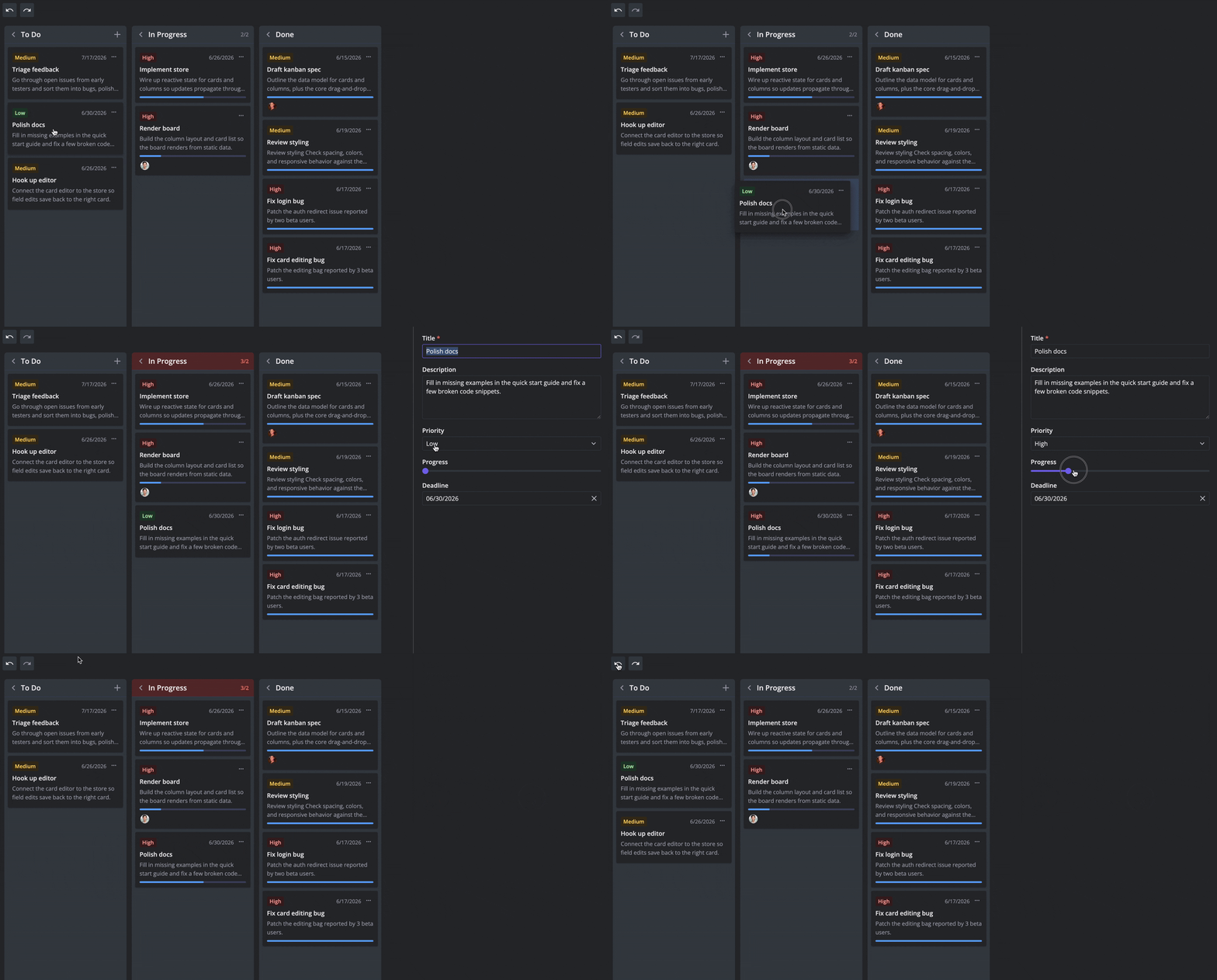
Undo and redo support

Users can try different workflows without risk with SVAR Vue Kanban PRO. Every change to a card—moves, edits, duplicates, and deletions—is automatically tracked, so they can move backward or forward through their actions using built-in undo/redo support.

Try Vue Kanban PRO

Get full access to SVAR Vue Kanban PRO for 30 days. We'll email you installation instructions right after you submit the form.

  • Fully functional trial
  • 30-day trial period
  • SVAR watermark

Read the full Trial License Agreement

Need help with integration?

Our team offers paid consulting and custom development services to help you make the most of SVAR Vue Kanban, from setup and feature customization to full web app development for your business needs.

Frequently Asked Questions

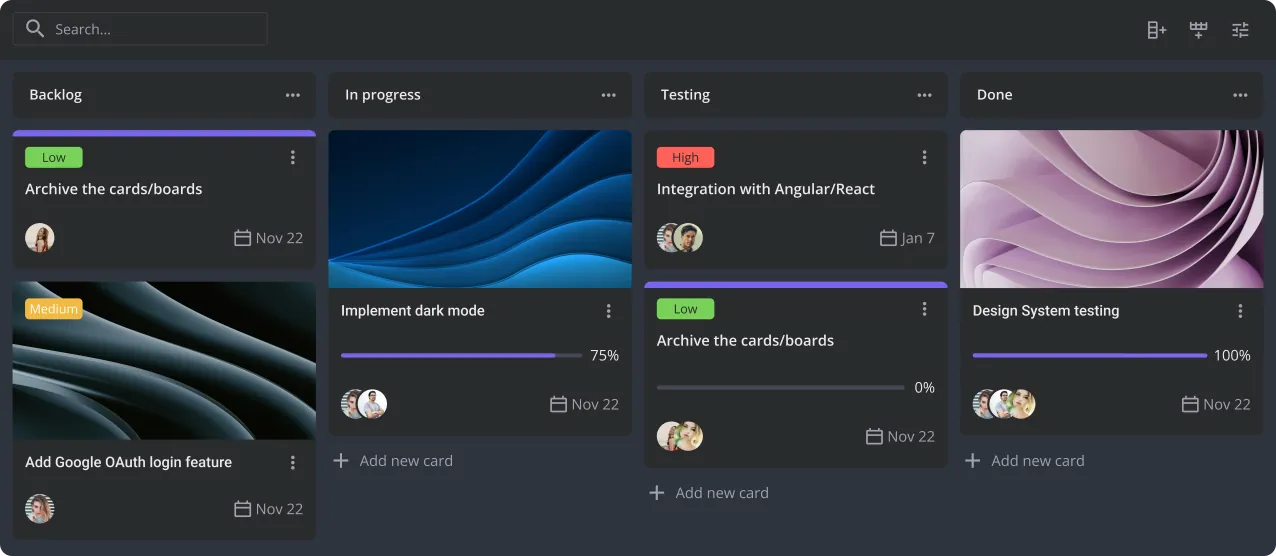
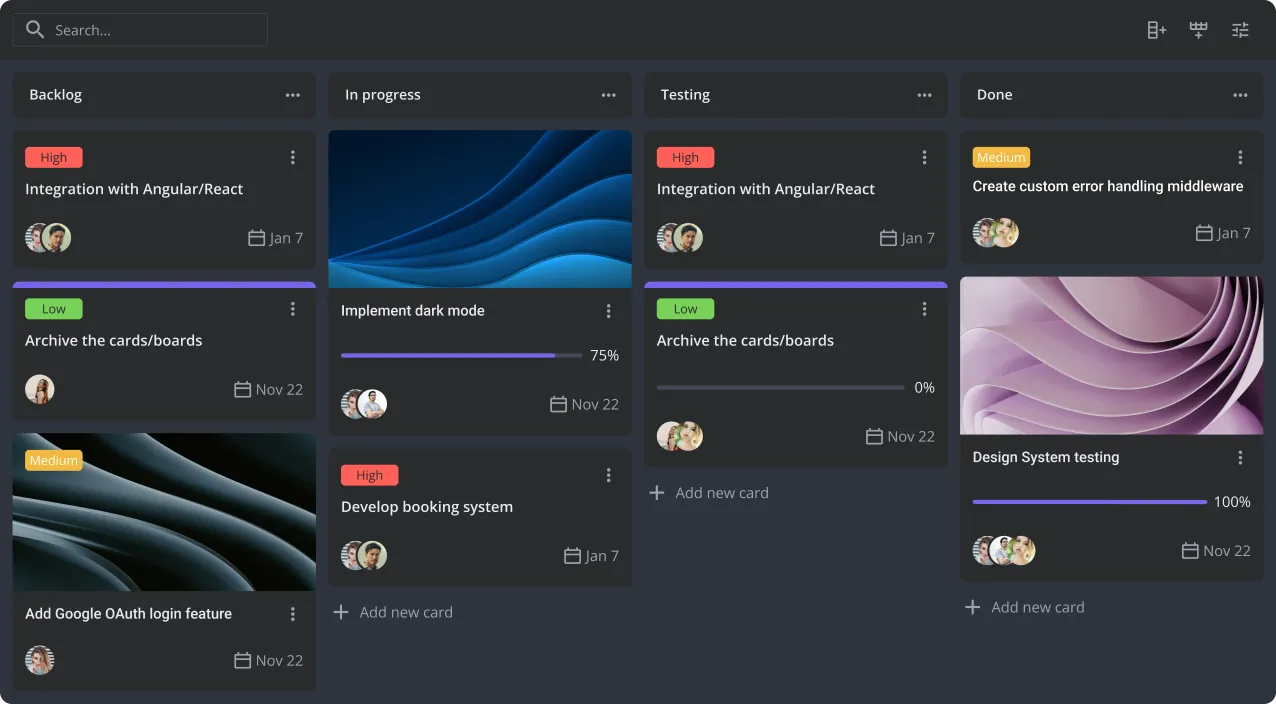
SVAR Vue Kanban is a Vue 3 component for building drag-and-drop Kanban boards. It helps developers create project management tools, CRM systems, ticketing apps, and workflow software, with full TypeScript support and light and dark themes built in.
SVAR Vue Kanban works well for:
  • Agile project boards
  • CRM and sales pipelines
  • Issue tracking systems
  • Recruitment pipelines
  • Product roadmaps
  • Content planning
  • Internal workflow tools
Yes. You can choose what sections to show or hide, replace the entire card body with your own component, or apply dynamic styling based on card data. This works for both simple task boards and highly specialized workflow apps. Find more details in the docs →
Virtualization renders only the cards and columns currently in view, so scrolling stays smooth even with thousands of cards. The PRO edition adds dynamic column loading on top, so columns fetch their data only as they come into view.
Yes. The MIT edition is open source and free for personal and commercial projects, with the full board, built-in editor, context menu, filtering, sorting, grouping, custom card rendering, virtualization, and REST integration included. You can create full-featured task boards with it.
The free edition covers most boards. PRO adds dynamic column loading, undo/redo history, and export to PDF, PNG, and Excel — built for large-scale and production use. The API stays the same across both, so upgrading doesn't mean rewriting code.
SVAR Vue Kanban is built for Vue 3 and uses the Composition API.

Resources