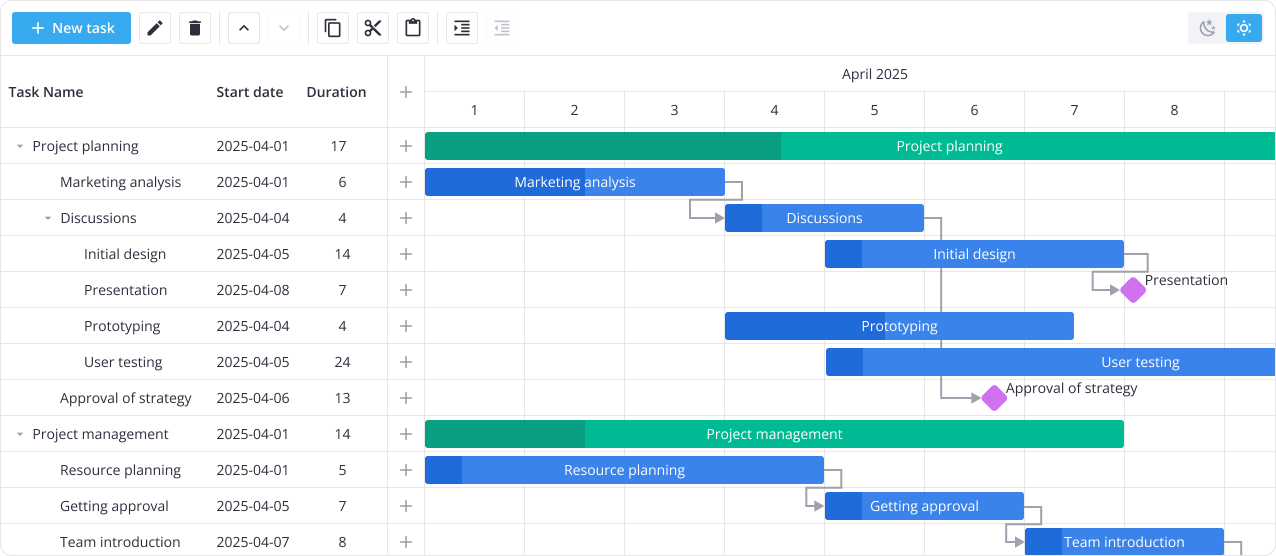
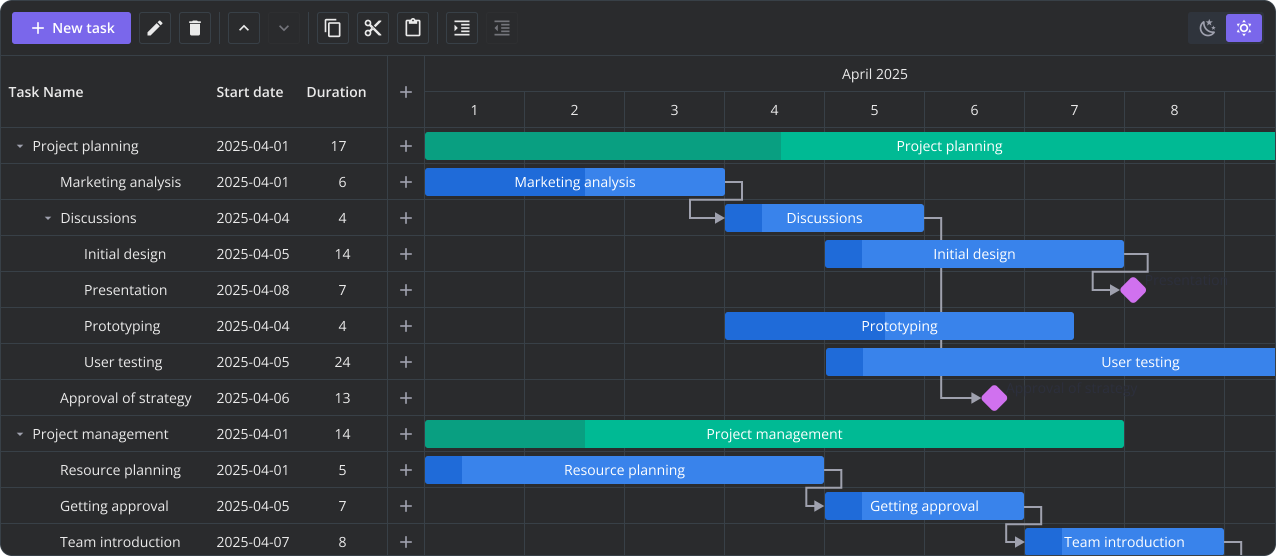
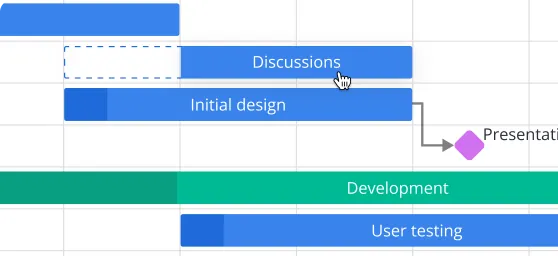
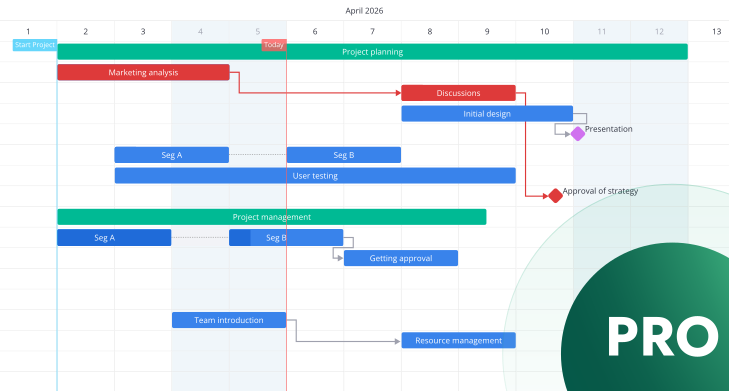
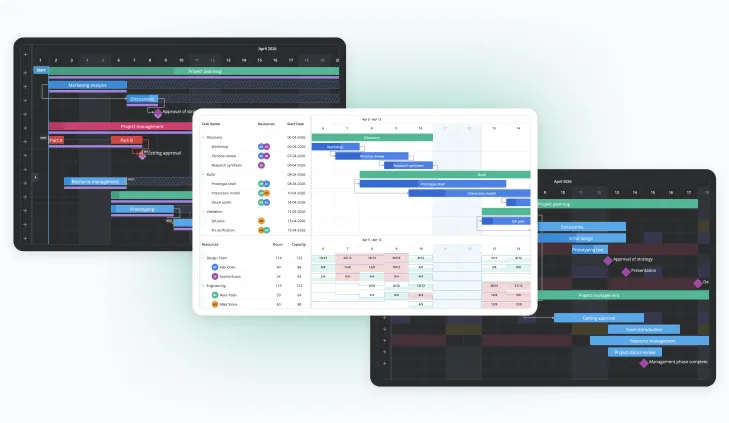
SVAR Vue Gantt is a Vue 3 component for interactive project scheduling. Plan, manage, and track tasks in a comprehensive Gantt chart - from simple timelines to large-scale projects with thousands of tasks.
Powered by an optimized rendering engine and dynamic loading, SVAR Vue Gantt delivers excellent performance. Whether you're navigating through extensive datasets or editing tasks on the fly, the component delivers a smooth UX. See the demo with 10,000 tasks.
SVAR Vue Gantt comes with an open-source core licensed under MIT. It supports tasks and dependencies management, custom time scales, sorting, filtering, and other essential features for interactive timelines.
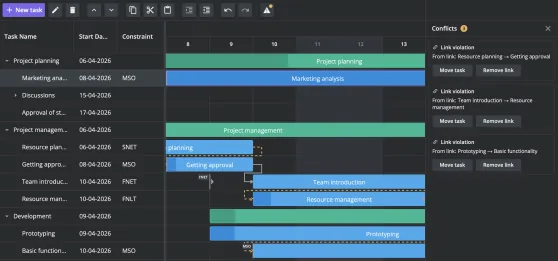
For more complex scheduling scenarios, SVAR Vue Gantt PRO offers critical path analysis, working-day calendars, baselines, auto-scheduling, resource planning, data export, and more.
The PRO Edition of SVAR Vue Gantt chart adds resource planning, advanced scheduling, and other capabilities required for complex, enterprise-level project management.
pro
You can define a working calendar with custom schedules, exceptions, and non-working days — controlling how durations, dates, and dependencies are calculated across the entire project. Individual calendars can be assigned to specific tasks or resources.
pro
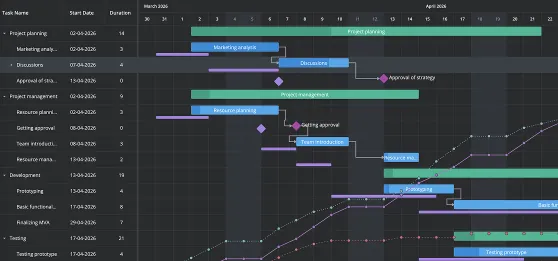
For complex projects, critical path analysis and slack visualization help you track deadlines, identify risks, and spot bottlenecks early. Baselines let you compare planned and actual timelines to quickly detect shifts and take action.
pro
Restructure the project view on the fly by grouping tasks by resource, status, priority, or any custom field. Use task grouping as a practical way to answer questions like "what is this team working on this week" or "what are the tasks with high priority".
pro
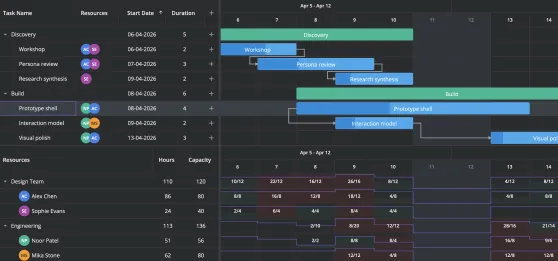
SVAR Vue Gantt PRO brings resource management directly into the chart. Assign team members to tasks and add the workload view to see day-by-day allocation across the project — with overloaded periods highlighted visually with color.
pro
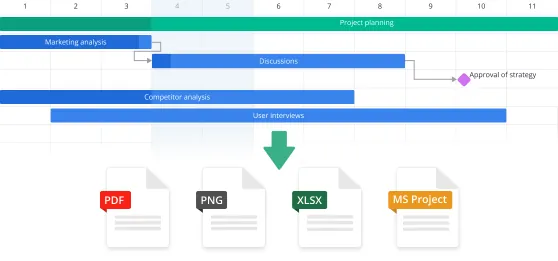
The PRO Edition of our Vue Gantt chart supports export to PDF, PNG, Excel, and MS Project XML via a server-side export service. It also enables client-side import and export of MS Project XML for easy integration with existing project management tools.
pro
When tasks need to be represented in multiple segments, you can visually split them on the timeline while keeping them in a single row. This is useful for interrupted or phased work, such as construction projects or staged delivery plans.
pro
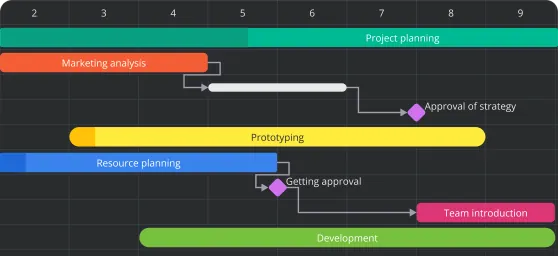
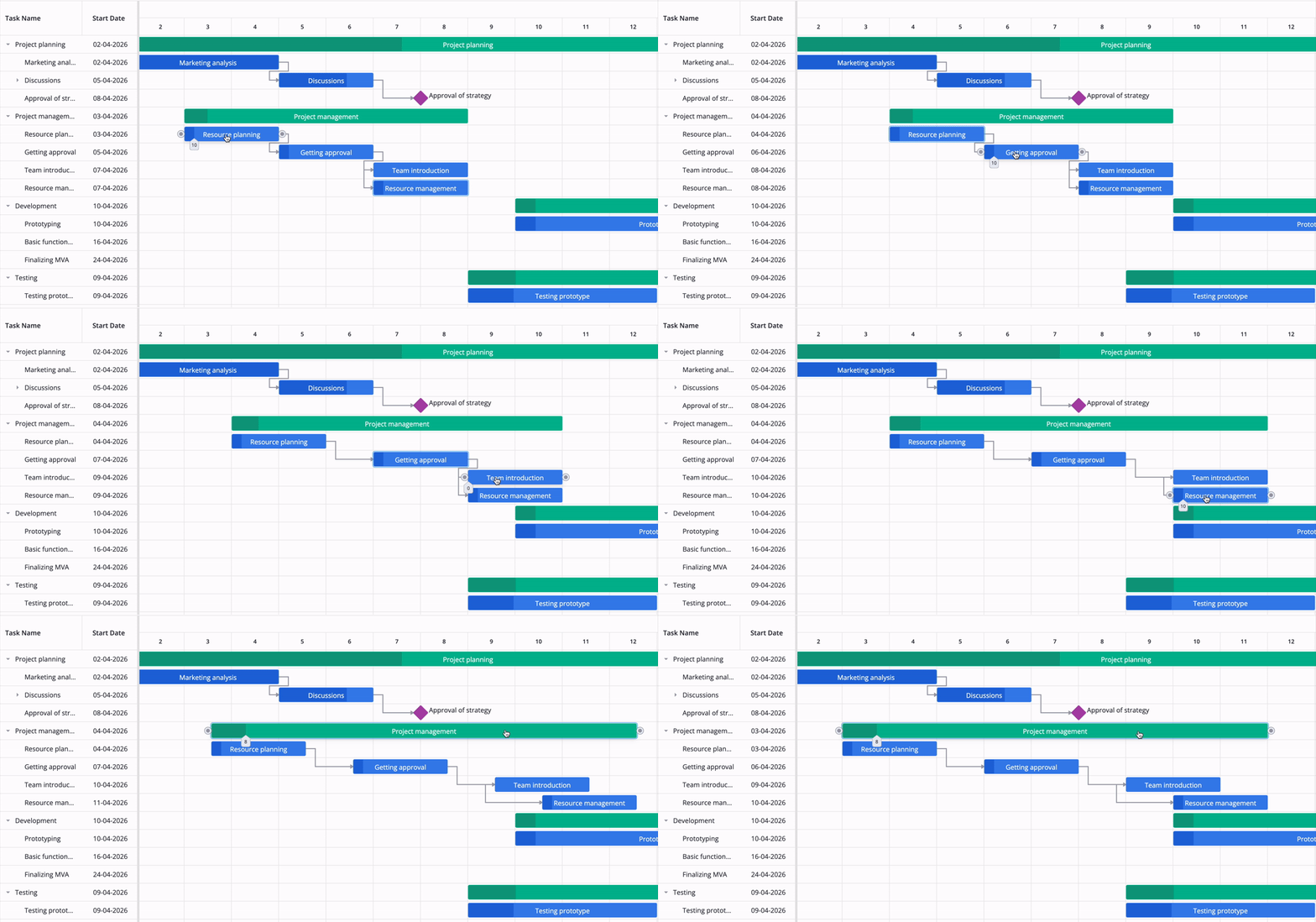
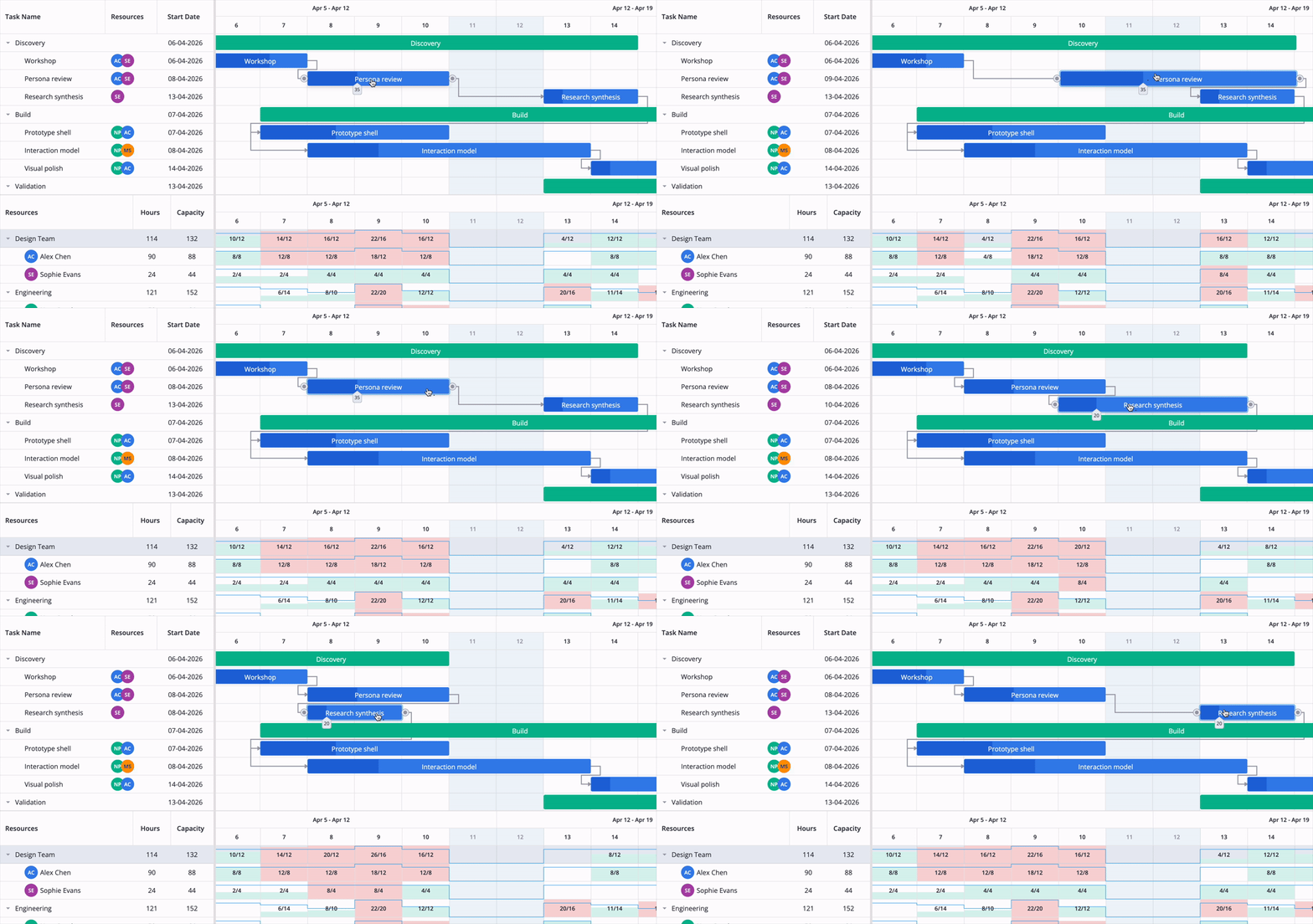
SVAR Vue Gantt chart automatically maintains valid project schedules based on task dependencies. When enabled, changes to a task's start, end, or duration trigger cascading updates, shifting dependent tasks forward according to end-to-start relationships. This helps keep project timelines consistent and reduces manual rescheduling effort. Summary tasks can also roll up progress from child tasks and convert automatically as the hierarchy grows.
Fill out the form to receive a free 30-day trial of SVAR Vue Gantt PRO. Once we receive your request, we'll send you detailed instructions on how to access the trial version.
Read the full Trial License Agreement
Version 2.7
June 4, 2026
What's new
Resource planning (PRO)
Task grouping (PRO)
Individual calendars (PRO)
Import from Excel/CSV
Version 2.6
April 28, 2026
What's new
Interactive timeline
Context menu & toolbar
Sorting & filtering
Critical path, baselines (PRO)
Our team offers paid consulting and custom development services to help you make the most of SVAR Vue Gantt, from setup and feature customization to full web app development for your business needs.
npm install @svar-ui/vue-gantt