Just released

Vue Filter Component

SVAR Vue Filter is a comprehensive Vue-native library designed for building intelligent data filtering features. From compact inline filters to sophisticated query builders and natural language filtering.
Licensed under MIT

Also available for:

Implement Advanced Filtering to Vue Apps

Enhance your data-heavy Vue applications with powerful filtering capabilities. SVAR Filter handles everything from basic field searches to complex nested queries with multiple operators, letting you focus on your application logic instead of building filter infrastructure.

Four Purpose-Built Vue Filter Components

Each component addresses a specific filtering requirement. Select the approach that matches your users' needs and your interface design.
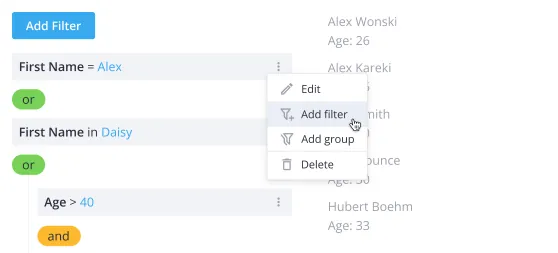
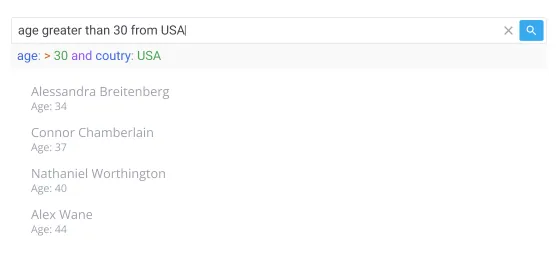
FilterBuilder - comprehensive query builder

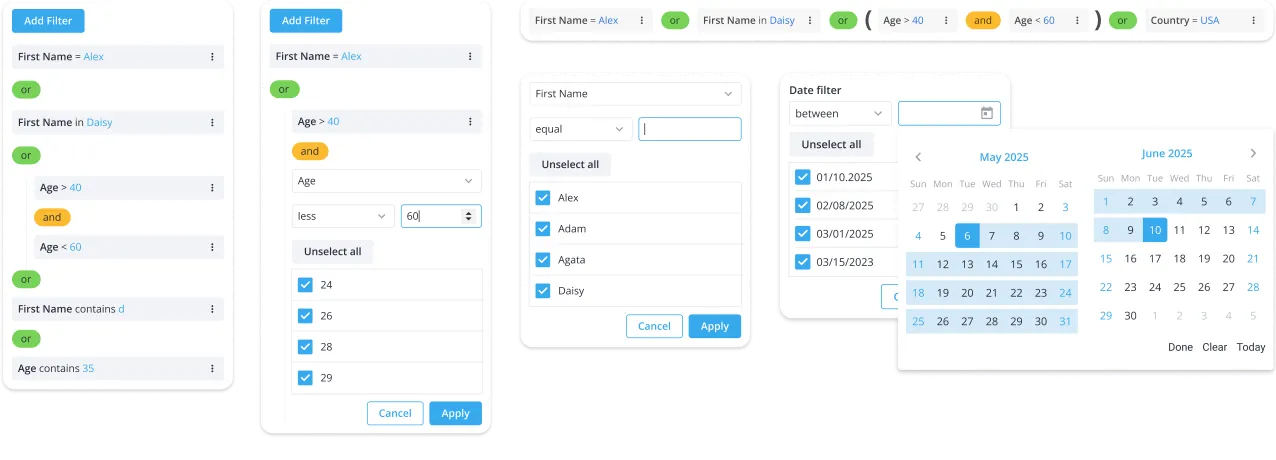
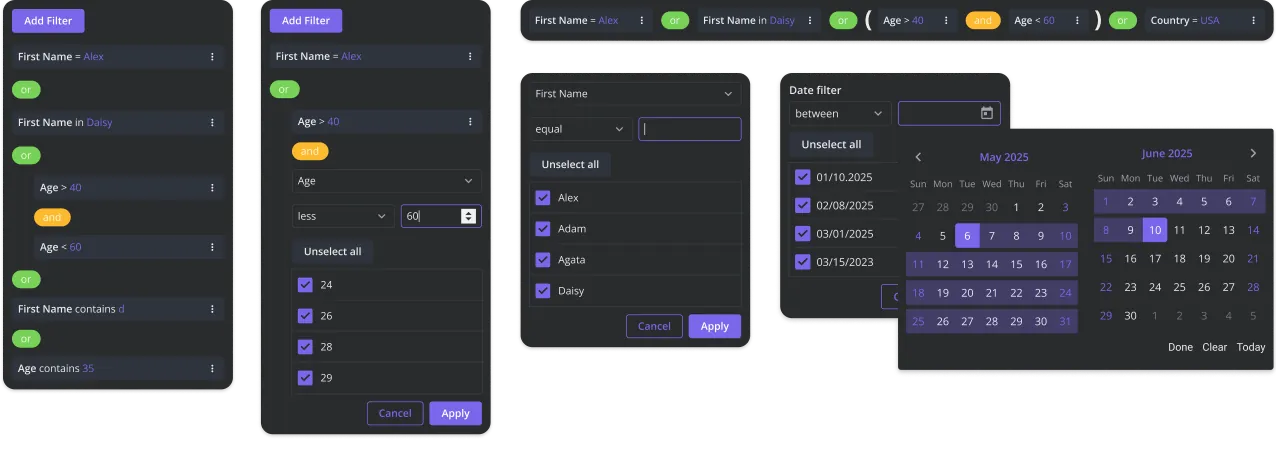
The full-scale solution for complex filtering requirements. Users can build complex queries with multiple fields, nested condition groups, and AND/OR logic. Use it for analytical tools and admin panels where filtering precision is critical.

FilterQuery - natural language search

A modern search interface that understands multiple query formats. Users can type field-specific syntax, like priority:high, or ask in natural language, like "show high priority tasks". Both approaches can be also mixed. Optional AI processing is supported for instant query interpretation.

FilterBar - compact inline filter

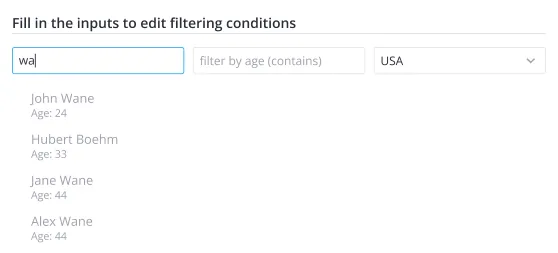
An efficient, space-conscious Vue filter component for immediate data search. Packs substantial filtering power into a clean, in-line filter input. Can be used for dashboards, reports, tables, and data-heavy views.

FilterEditor - individual filter field

A specialized Vue component for handling single filter rules. Perfect for scenarios where you're implementing custom filter fields or need fine-grained control over how conditions combine.
Star on GitHub

Try SVAR Vue Filter Demo

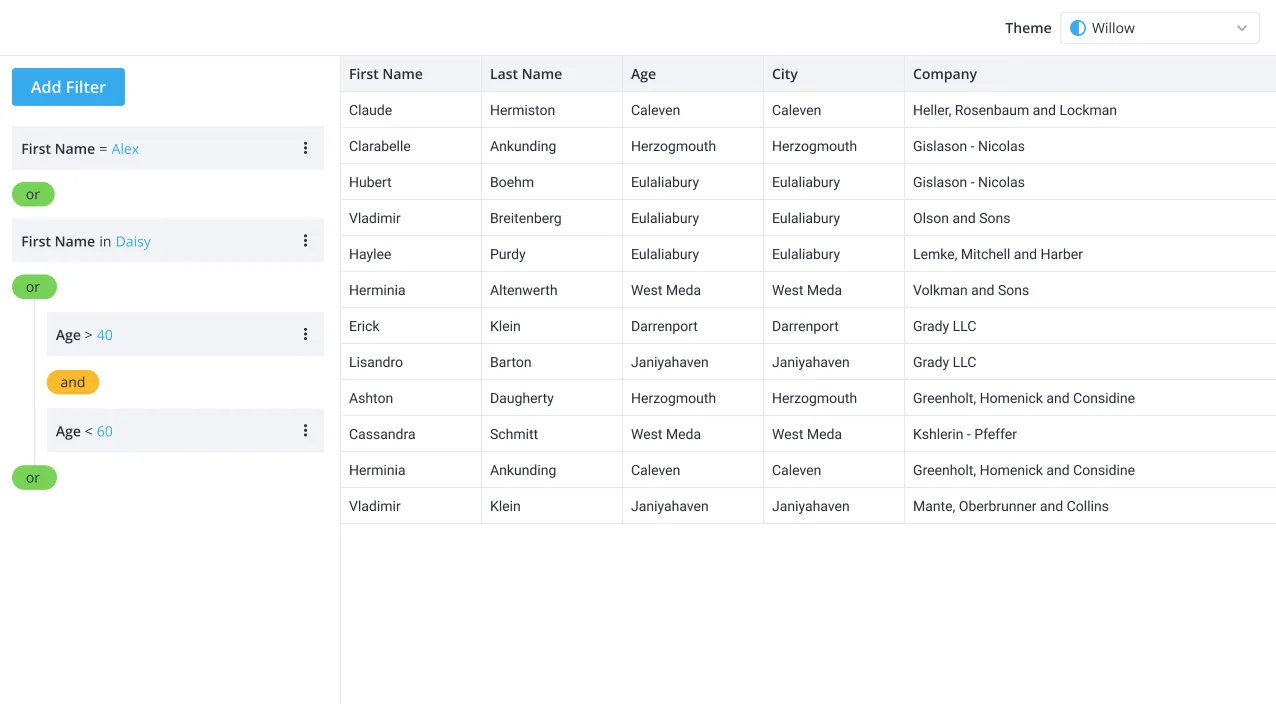
See how FilterBuilder integrates seamlessly with SVAR Vue DataGrid in this live example. Add new conditions, edit existing rules, and remove filters. Double-click any filter field for quick editing. For the best experience, view this page on a desktop device to enjoy the live demo, as it looks great on larger screens!
Why Use SVAR Vue Filter Component?

Complex queries

With SVAR Vue Filter, you can quickly add a basic filter bar or give your users the intuitive UI to combine rules with AND/OR logic, create filter groups, and nested filters for complex multi-level queries.

Various data types and operators

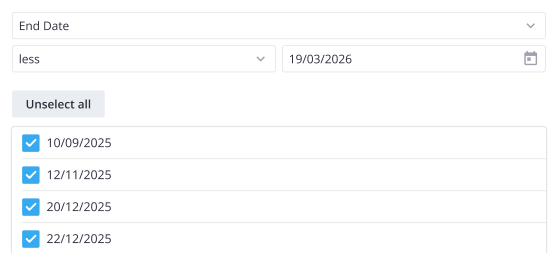
You can filter different data types: text, numbers, and dates. The component supports relevant operators for each type, like equals, not equals, contains, greater than, less than, starts with, and more.

Easy integration & JSON support

SVAR Vue Filter outputs structured JSON filters that developers can easily convert into SQL or other query formats, enabling flexible backend integration.

Lazy-loading architecture

Defer loading filter field options until they're actually needed. Keeps your application responsive when dealing with large option sets or dynamically changing field configurations.

Query syntax & natural language

FilterQuery lets users type queries in multiple flexible formats: structured field syntax, conversational language, or both mixed together. Features real-time syntax highlighting and autocomplete for keyboard-driven filtering.

Localization

You can adapt the filtering interface to different languages and cultural formats. Easily translate labels and localize number and date formats for a consistent user experience.

Professional support

Need custom features or integration help? Our experienced team provides priority support, custom development, and consulting services.

Resources