

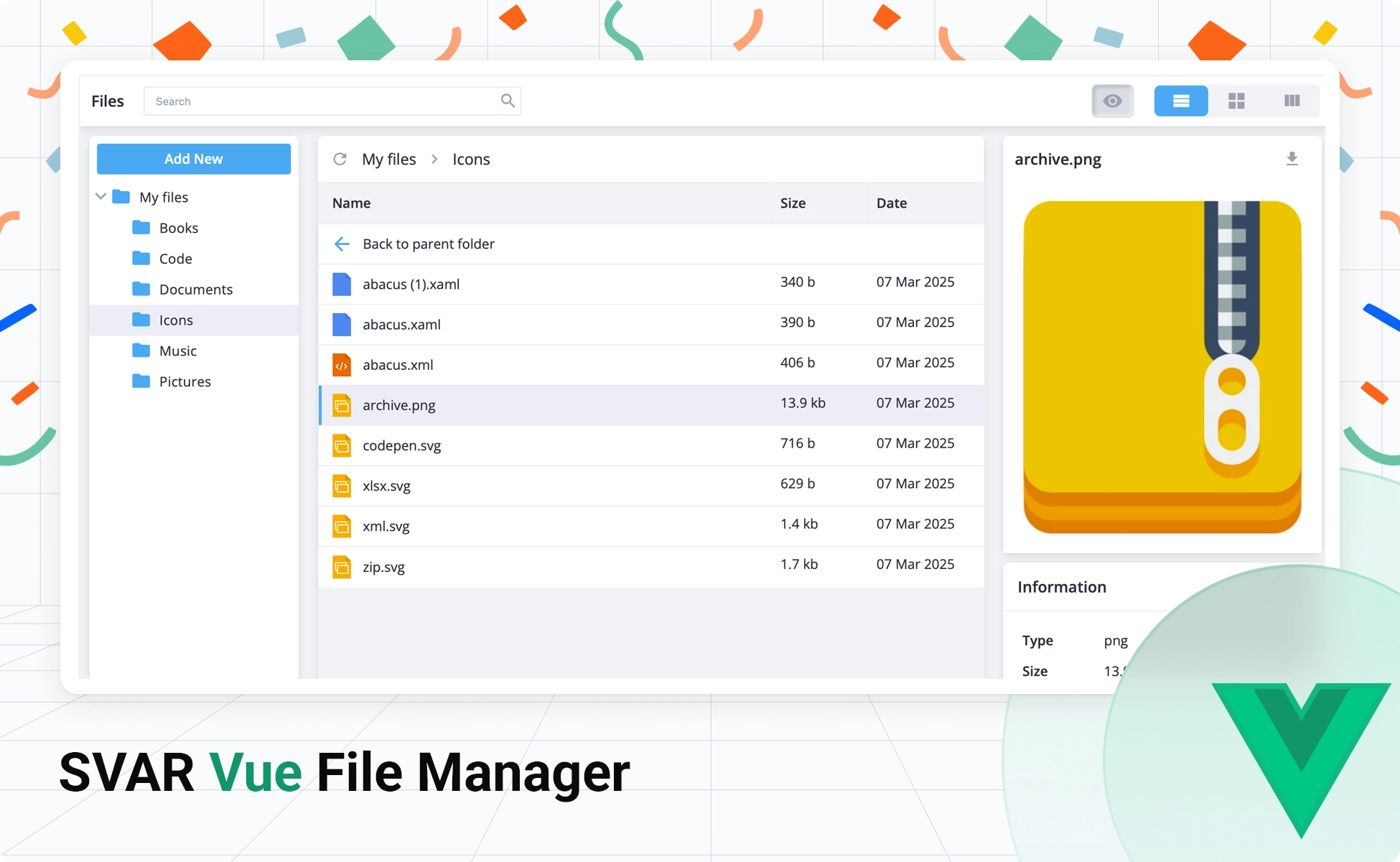
We’re happy to introduce another component for our SVAR Vue library - SVAR Vue File Manager. It is a ready-to-use Vue 3 component that delivers a complete, polished file explorer interface you can drop into any Vue-based project.
The component is built natively for Vue 3, takes advantage of the Composition API, and ships with full TypeScript support including built-in type definitions — so you get autocompletion, type safety, and a smooth developer experience from day one.
👉 Explore the live demo to see how it works
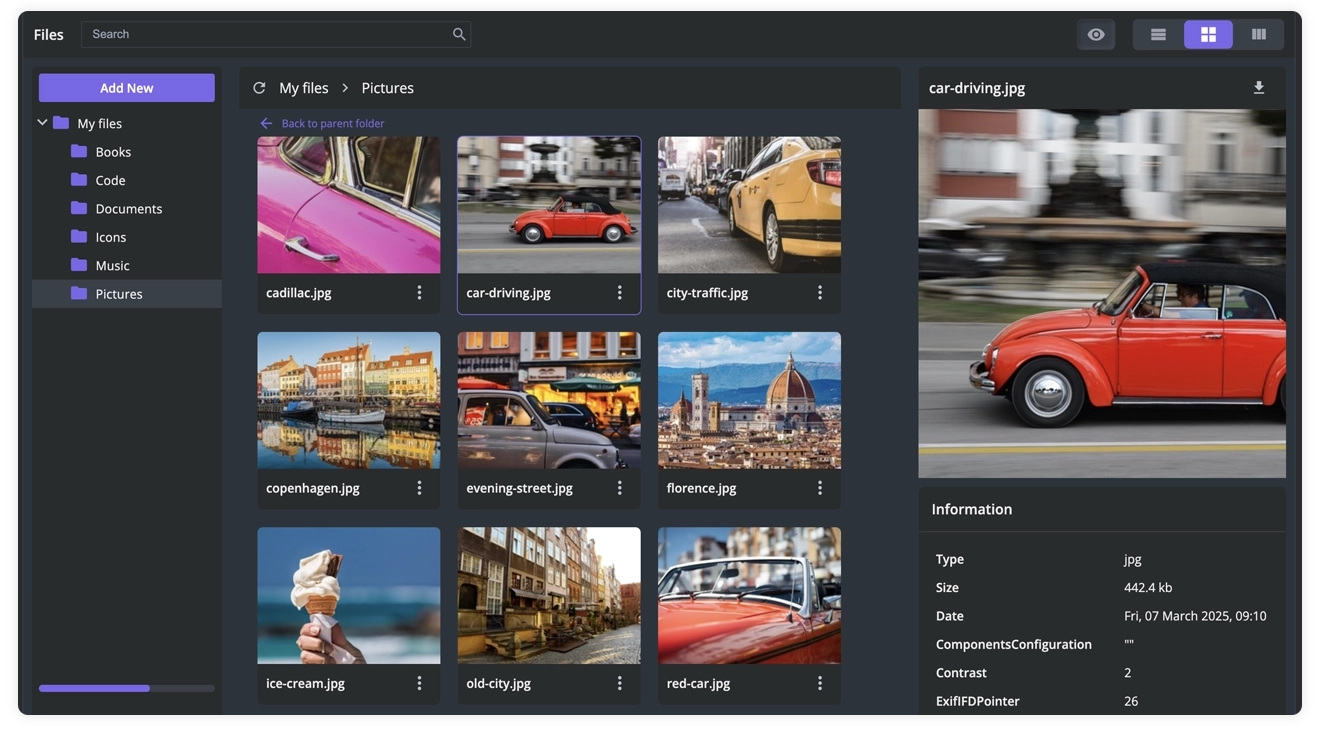
The component covers the key features users expect from a desktop-class file browser:
- File operations: create, delete, copy, cut, paste, rename, upload, download
- Multiple views: list view, tiles view, and split-screen mode
- File preview panel: shows the detailed file metadata and image preview
- Tree navigation: hierarchical folder display
- Search and sorting: the ability to find necessary files quickly
- Context menu: a quick access to all file operations
- Keyboard shortcuts for all major actions
- High performance: dynamic loading for large file systems
- RestDataProvider helper: easy integration with the backend
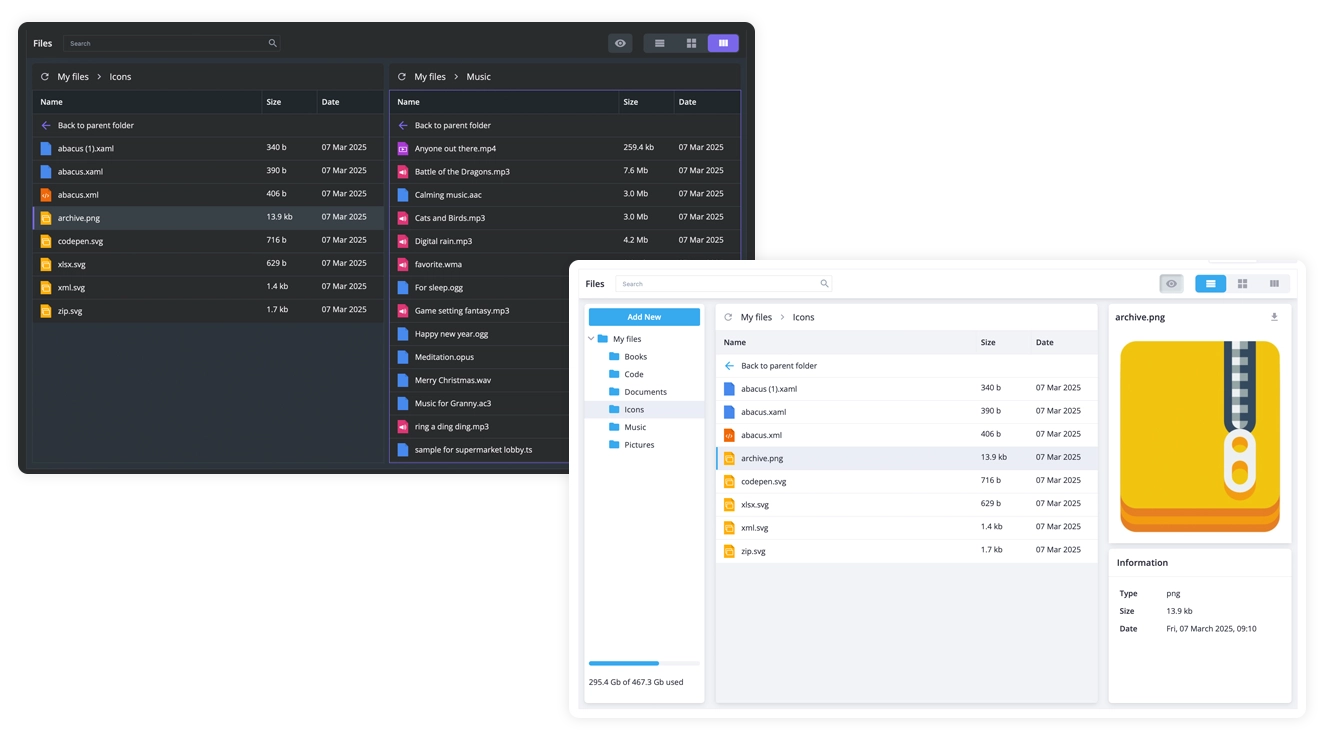
- Light & dark themes: prestyled themes that can be customized with CSS
SVAR Vue File Manager is open-source and completely free to use under the MIT license, so feel free to use it in your hobby or commercial projects.
🔗 Jump straight in:
- GitHub repository — source code and issues (a ⭐ goes a long way)
- Documentation — detailed guides and API reference
- Live demos — interactive examples for every key feature
All File Operations Out of the Box
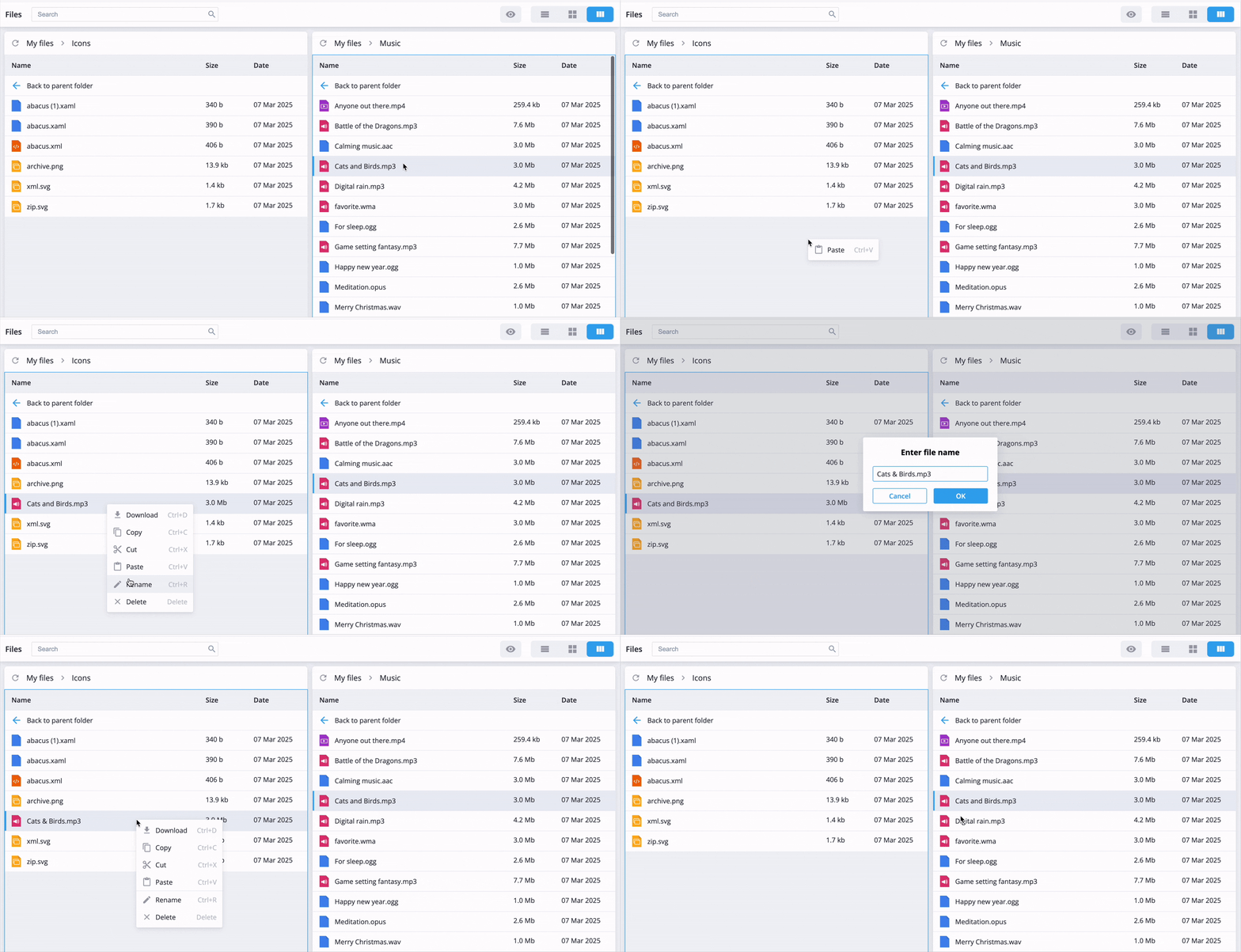
SVAR Vue File Manager handles the full range of file management actions users need: upload, download, create, copy, cut, paste, rename, and delete — all accessible through a built-in context menu or keyboard hotkeys.
The menu is fully customizable, so you can add, remove, or rearrange menu items to match your application’s workflow without touching the core component logic.
Different Views for Every Use Case
The component offers three layout modes to suit different workflows:
- List view displays files in a detailed tabular format with columns for name, size, type, and modification date.
- Tiles view renders files as icon-based cards — useful for image-heavy directories or when users prefer a more visual browsing experience.
- Split view opens two independent directory panels side by side, making it straightforward to move or copy files between locations without navigating back and forth.
Intuitive Navigation Built In
The left-side tree view renders your directory structure hierarchically, letting users expand and collapse folders to maintain a clear picture of how content is organized. Combined with breadcrumb navigation at the top of the file pane, users always know exactly where they are in the file system.
The integrated preview panel opens alongside the file list to display metadata — size, creation date, modification date, file type — and renders image previews directly. You can extend it with any custom metadata fields your application needs.
Search, Sort, and Find Files Fast
A built-in search box lets users filter files and folders by name instantly — no page reloads, no extra configuration.
In list view, double click on column headers sorts files by name, size, or date, giving users a fast way to surface the newest files, the largest items, or find something alphabetically.
Themes and Customization
SVAR Vue File Manager ships with two polished themes out of the box: Willow (light) and WillowDark. Switching themes is a one-line change — wrap the component in the desired theme component and you’re done.
Beyond the built-in themes, every visual aspect of the component is customizable via CSS variables. Colors, icons, typography, spacing — all are easily adjustable.
Any Backend, Any Storage
SVAR Vue File Manager is a pure frontend component. It has no opinion about where your files live. Connect it to a REST API, a local file system, a cloud storage provider like S3 or Google Cloud Storage, or a database-backed solution — the included RestDataProvider utility handles the communication layer and keeps your integration clean.
Performance is handled through dynamic loading: only top-level folders are fetched on initialization. Subfolder contents load on demand as the user navigates, keeping the file browser responsive even across deep or large directory trees.
Getting Started
Install SVAR Vue File Manager via npm:
npm install @svar-ui/vue-filemanagerBasic integration example:
<script setup>import { Filemanager } from "@svar-ui/vue-filemanager";import "@svar-ui/vue-filemanager/all.css";
// files and foldersconst data = [    {        id: "/Code",        date: new Date(2023, 11, 2, 17, 25),        type: "folder",    },    {        id: "/Code/Comments.svelte",        date: new Date(2023, 11, 2, 18, 48),        type: "file",        size: 682566,    }];// storage usage infoconst drive = {    used: 15200000000,    total: 50000000000,};</script>
<template>  <Filemanager :data="data" :drive="drive" /></template>
See the full Getting Started guide for detailed installation instructions, backend integration, data loading patterns, and API reference.
Why Vue Developers Will Appreciate It
A few things that make SVAR Vue File Manager a natural fit for the Vue ecosystem:
- Composition API friendly — the component’s API feels at home alongside
<script setup>andcomposables - Nuxt compatible — works in SSR environments without additional configuration
- TypeScript-first — full type definitions ship with the package
- No heavy dependencies — keeps your bundle lean
- MIT licensed — free for commercial projects, no strings attached
Wrapping Up
SVAR Vue File Manager gives Vue developers a production-ready file explorer they can integrate in minutes rather than build over weeks. Whether you’re working on a document management system, a media library, a CMS, or an internal tool, the component provides a solid, customizable foundation for Vue 3 apps.
The source is on GitHub — your feedback and stars are all welcome. Explore the live demos to see it in action, or dive into the docs to start integrating today.