

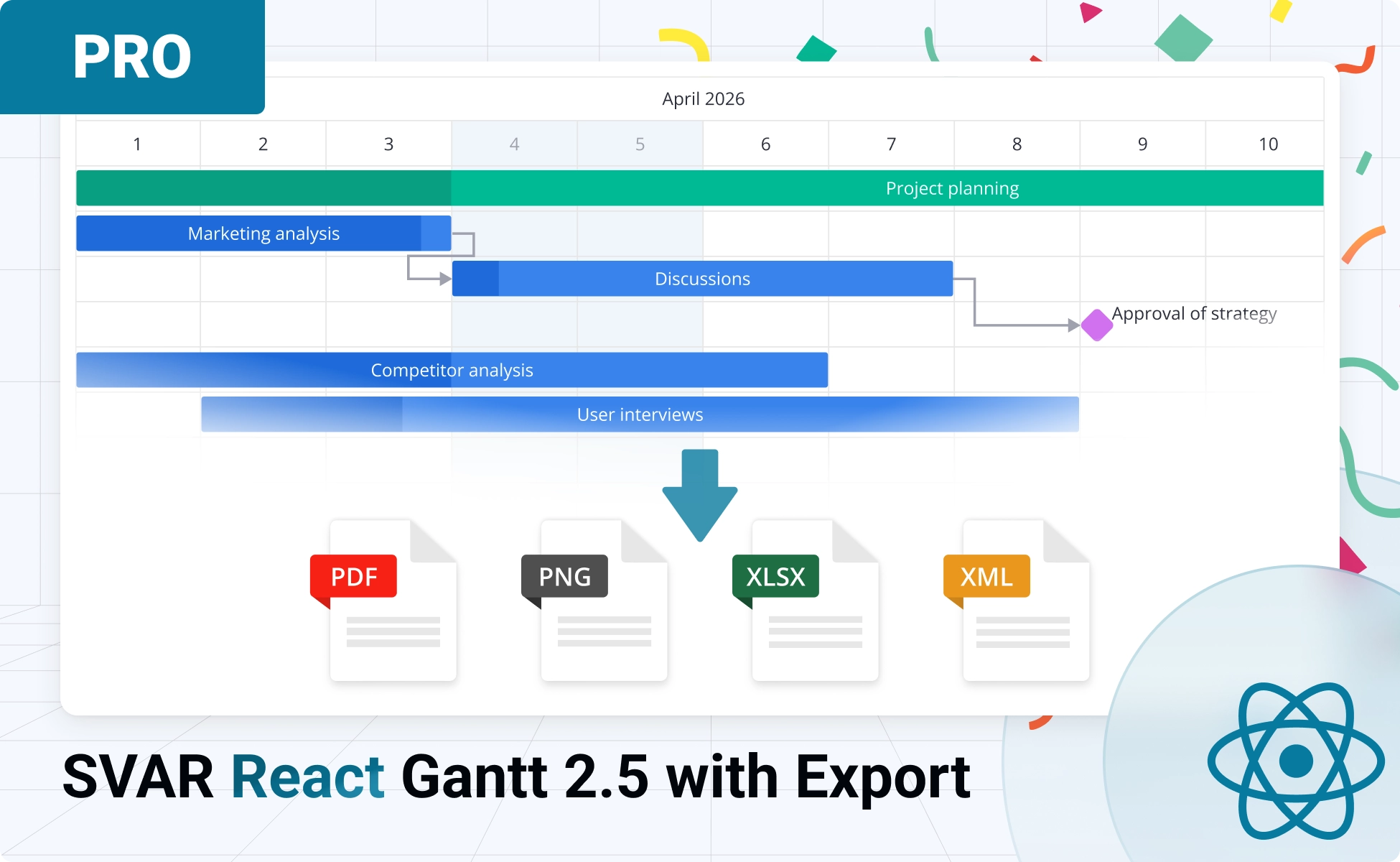
We’re excited to announce SVAR React Gantt v2.5, which introduces export feature, MS Project import & export support, and intelligent summary task automation. If you’ve been looking for a React Gantt chart component with robust data export options, this release delivers exactly that.
Export Your Gantt Charts to Popular Formats
The new export functionality, available exclusively in our PRO Edition, gives you the flexibility to save your React Gantt charts in the formats your team needs:
- PDF – Multi-page documents with configurable headers, footers, and page margins
- PNG – High-resolution images with customizable dimensions
- Excel (XLSX) – Spreadsheet export with tabular data or visual timeline rendering
- MS Project XML – Full compatibility with Microsoft Project for enterprise workflows
With version 2.5, you can now:
- Generate print-ready project timelines for stakeholder presentations
- Export visual snapshots for documentation and reports
- Share project data in Excel format for offline analysis
- Seamlessly transfer projects between SVAR React Gantt and Microsoft Project
Flexible Export Architecture
We’ve built the export system with flexibility at its core. Depending on your requirements and infrastructure, you can choose between two approaches:
- Docker container
- Go source code for easy deployment
Backend Service Export
Our server-side rendering solution ensures consistent, high-quality output across all browsers and platforms. For development and testing, we provide a demo export server at: https://export.svar.dev
The SVAR Gantt export service allows you to customize what exported files will look like. This is what you can configure:
- Apply custom CSS styling during the export process
- Override Gantt configurations specifically for export output
- For PDF: Configure paper sizes (A3, A4, custom), orientations, page margins, custom headers/footers
- For Excel: Choose between simple tabular format or visual timeline mode, define custom columns, set date formats
When you’re ready for production, you can deploy your own instance of the export service with complete control over performance and availability (available only to PRO users).
Client-Side Export
For MS Project XML format, you can export and import data directly in the browser without any backend infrastructure. The client-side approach is perfect for quick exports and offline scenarios.
Getting Started with Export
Adding export functionality to React Gantt PRO component is straightforward. With just a few lines of code, you can enable your users to download their project timelines in their preferred format.
Here’s a practical example showing PDF export with custom configuration:
import { useRef } from "react";import { Gantt, version } from "@svar/react-gantt";
function ProjectTimeline({ tasks, links }) {  const apiRef = useRef(null);  const exportUrl = `https://export.svar.dev/gantt/${version}`;
  function handleExport() {    apiRef.current.exec("export-data", {      url: exportUrl,      format: "pdf",      fileName: "project-timeline",      pdf: {        size: "a4",        landscape: true,        fitSize: true      }    });  }
  return (    <>      <button onClick={handleExport}>Export to PDF</button>      <Gantt ref={apiRef} tasks={tasks} links={links} />    </>  );}
That’s it! The same export-data action works for all formats, just change the format parameter to "png", "xlsx", or "mspx" as needed.
Visit documentation for more details and advanced configuration options.
Import Existing MS Project Files
Another important feature in v2.5 is the ability to import MS Project XML files directly into your React Gantt component. This makes migrating from Microsoft Project straightforward and enables seamless collaboration between teams using different tools.
The import functionality uses the import-data action. NOTE: You’ll need to handle the file upload part yourself - create a file upload control and read the XML content, then pass it to the import-data action for parsing:
import { useRef } from "react";import { Gantt } from "@svar/react-gantt";
function ImportExample() {  const apiRef = useRef(null);
  function handleImport(event) {    const file = event.target.files[0];    if (!file) return;
    const reader = new FileReader();    reader.onload = (e) => {      apiRef.current.exec("import-data", {        data: e.target.result      });    };    reader.readAsText(file);  }
  return (    <>      <input type="file" accept=".xml" onChange={handleImport} />      <Gantt ref={apiRef} />    </>  );}
This MS Project support makes SVAR React Gantt an excellent choice for organizations working in mixed environments where some teams use Microsoft Project while others prefer modern web-based solutions.
Summary Tasks Automation
Version 2.5 also brings improvements to summary task handling, another PRO feature. The summary property now provides intelligent automation:
- Auto-calculation – Summary task progress is automatically calculated based on the progress of child tasks
- Auto-conversion – Regular tasks are automatically converted to summary tasks when child tasks are added
These enhancements reduce manual work and ensure your project hierarchy stays accurate as tasks evolve. Find more info in the related documentation.
Try the PRO Edition
Export, import, and advanced summary task automation are all part of SVAR React Gantt PRO.
Get a free 30-day trial today to explore these powerful export & import capabilities for your project management applications. Give your users the flexibility to share their project timelines in a format they need.